
Quick answer
Add your picture above, choose horizontal or vertical, and download the mirrored version. This image inverter online flips rather than inverting colour, it keeps PNG transparency and the original resolution, and it works on animated GIFs too. Free, no sign up, and nothing is uploaded.
Mirroring an image in four steps
Add your image
Drag in a JPG, PNG, WebP or GIF, or tap to browse from your phone gallery.
Choose a direction
Horizontal gives you a left to right mirror. Vertical turns the picture top to bottom.
Preview the result
The flipped version appears straight away, so you can switch direction if it looks wrong.
Download it
Save the result in the same format you started with, at the same resolution.
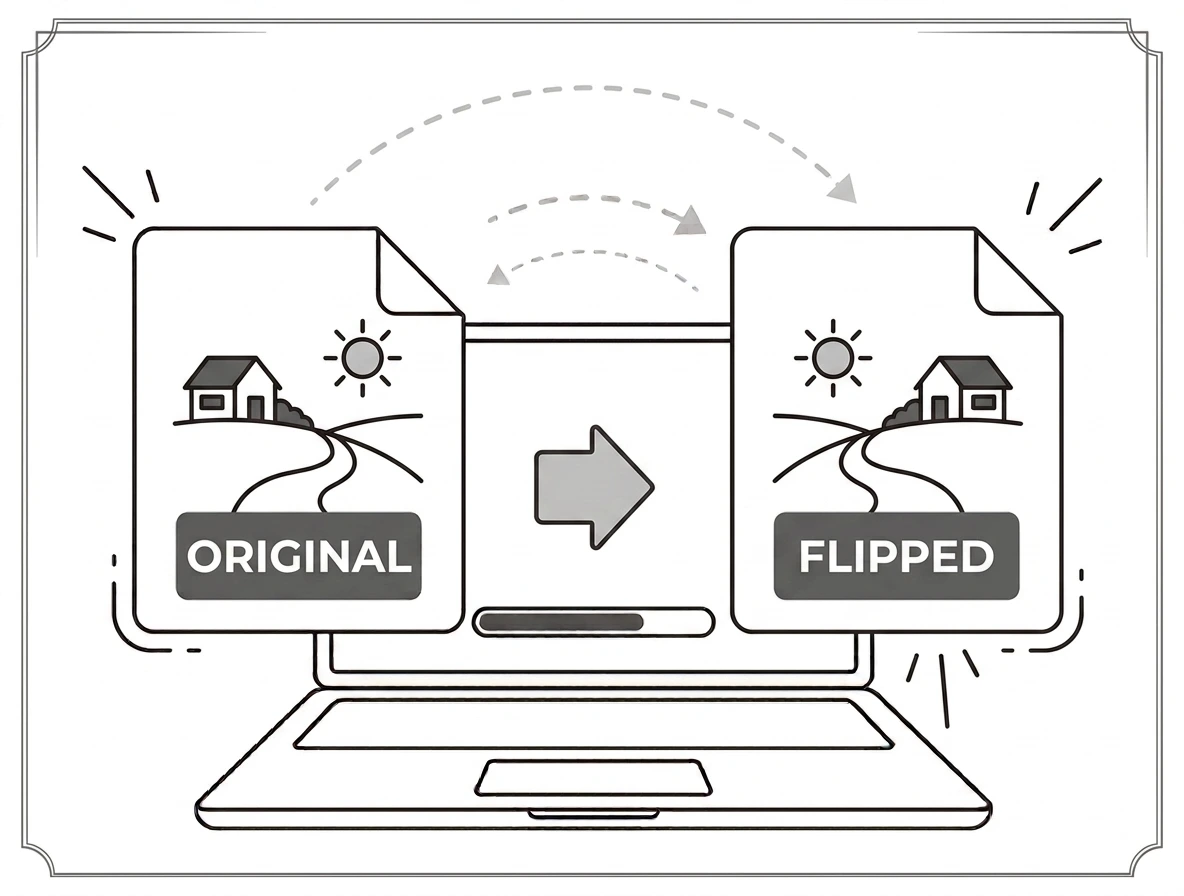
What flipping actually does to a picture
Flipping mirrors an image across an axis, which is not the same as turning it. A horizontal flip swaps left and right, so anyone facing left now faces right and any writing in the shot reads backwards. A vertical flip swaps top and bottom. If your photo simply came out sideways, you want rotate image instead, which turns it without reversing anything.
Mirror png files without losing the transparent background
Logos, icons and cutouts are almost always PNG, and the usual worry is whether the alpha channel survives. It does. When you mirror png files here the transparent pixels are moved along with everything else, so nothing gets flattened onto a white box. That is the main reason to bring a logo here rather than into a photo editor that exports JPG by default.
Fixing an upside down picture from a phone
Cameras record an orientation tag, and when an app ignores that tag you end up with an upside down picture that looks fine in your gallery and wrong everywhere else. A vertical flip corrects it in one click. Selfies are the other common case, because front cameras mirror the preview and some phones save the mirrored version, leaving text and logos backwards in the final shot.
One pic flip tool for stills and animation
The same pic flip works on JPG, PNG, WebP and GIF, and as a gif flipper it handles every frame rather than only the first. None of it involves an upload. Your browser does the work locally, which is why an image inverter online can be this fast and why your photos never sit on somebody else server waiting to be deleted.
Why choose our flip image tool
Free and unlimited
No account, no watermark, no daily cap.
Nothing is uploaded
Images are flipped on your device and never sent anywhere.
Keeps quality and alpha
Same resolution, same format, transparency intact.
Works on phones
Fix a mirrored selfie straight from your gallery.
Flip and mirror questions
Does this invert colours or flip the picture?+
Is it free?+
Will the quality drop?+
Does it keep PNG transparency?+
Can I flip an animated GIF?+
What is the difference between flipping and rotating?+
Related tools
PNG vs JPG: Which Should You Use
Transparency, lossless quality, and when each format wins.
Read guideReady to flip your image?
Free, private, and no sign up. Add your picture above and mirror it in one click.
Browse all image tools