
Rotate Image Online
Rotate an image online free, with no sign-up and no watermark. Upload up to 10 photos, turn them 90° right, 180°, or 90° left, and download the result individually or all as a ZIP. Everything runs in your browser, so your files never leave your device and are never uploaded. It’s the quick way to fix a sideways or upside-down photo.
Drop your images here
or click to browse, up to 10 files, 25 MB each
Choose FilesQuick answer
To rotate an image, upload it to the tool above, choose 90° right, 180°, or 90° left, and download the result instantly, right in your browser. It's free, needs no sign-up, and your files are never uploaded. You can rotate up to 10 images at once and download them as a ZIP.
How to rotate an image
- Upload your images drag & drop, or click to browse (up to 10 images, 25 MB each).
- Choose 90° right, 180°, or 90° left.
- (Optional) Set the output format: Same as input, JPG, PNG or WEBP.
- Download each image, or click “Download All (ZIP)”.
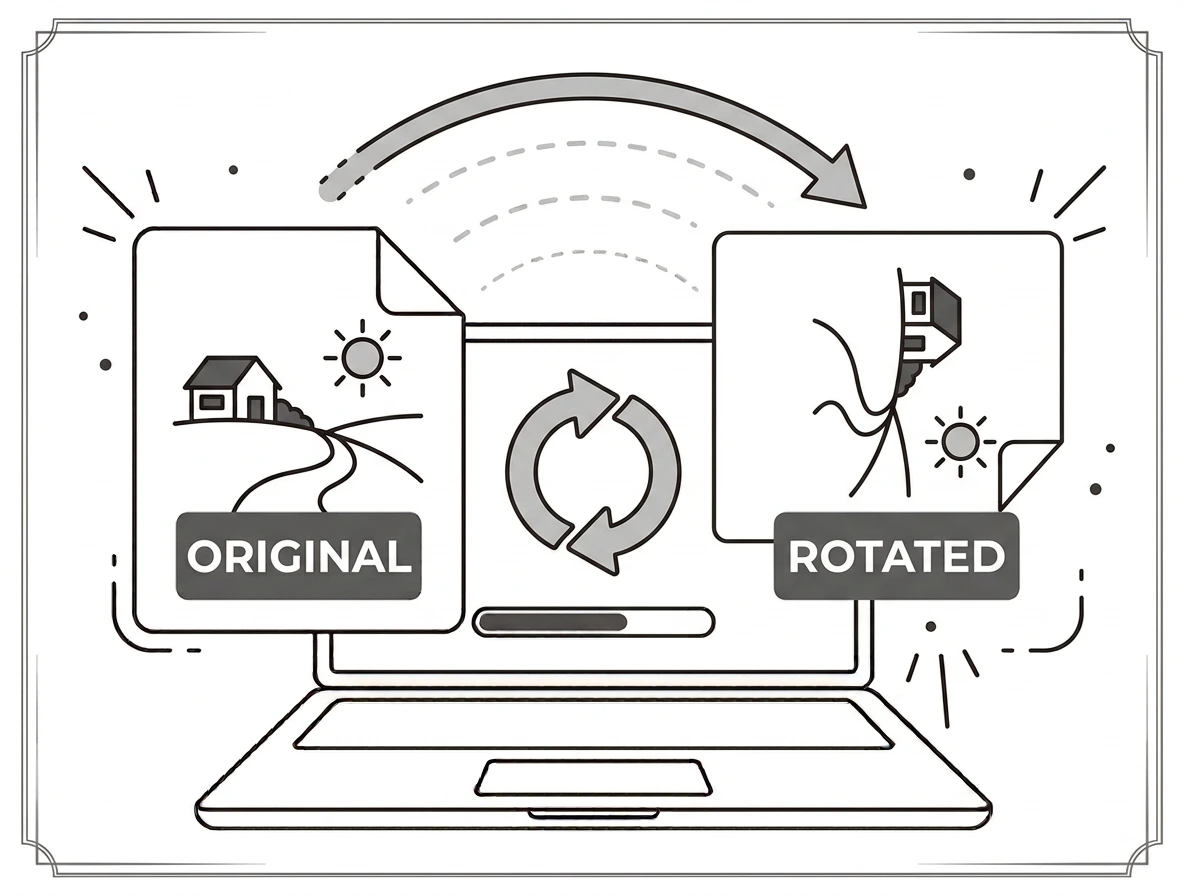
Fix sideways and upside-down photos
Phone photos often come out rotated the wrong way. A 90° turn fixes a sideways shot, 180° flips an upside-down one, and you can rotate a whole batch of up to 10 images in one go. Save them in the same format, or convert to JPG, PNG or WEBP as you rotate. Everything happens on your device, with nothing uploaded.
Why rotate an image?
Cameras and scanners don’t always get the orientation right, leaving photos and documents sideways or upside down. Rotating puts them the correct way up for sharing, printing or uploading. It’s also useful for straightening scanned pages or preparing images that need a specific orientation.
Rotate image on Windows, Mac, iPhone and Android
Because it runs in your browser, the tool works the same on Windows, macOS, Android and iPhone with nothing to install. Upload a photo on any device, rotate it, and download the result in seconds no photo app required.
Why choose our rotate image tool
- Free & unlimited no account, no watermark, no daily limits.
- Batch + ZIP rotate up to 10 images at once and download them together.
- Three turns 90° right, 180°, or 90° left.
- Private by design rotated in your browser; files are never uploaded.
- Works everywhere any modern browser on desktop or mobile.
Frequently asked questions (FAQ's)
Is this rotate image tool free?
Yes completely free, with no sign-up, no watermark and no usage limits.
By how much can I rotate?
90° right, 180°, or 90° left apply once or repeat to reach any right-angle orientation.
Can I rotate several images at once?
Yes rotate up to 10 images per batch and download them all as a ZIP.
Will rotating reduce the quality?
No! a 90°/180° turn just re-orders the pixels, so quality stays the same.
Can I change the format while rotating?
Yes keep the original format or convert to JPG, PNG or WEBP.
Are my images uploaded to a server?
No. Everything runs in your browser, so your files never leave your device.