
Crop Image Online
Crop an image online free, with no sign-up and no watermark. Drag the crop box, type exact dimensions, or pick a ratio like 1:1 or 16:9, then download the result one image or a batch of up to 10 as a ZIP. Everything runs in your browser, so your files never leave your device and are never uploaded. It’s a fast, flexible way to trim photos.
Drop your images here
or click to browse, up to 10 files, 25 MB each
Choose FilesQuick answer
To crop an image, upload it to the tool above, then set your crop area by dragging the box, typing exact X/Y/Width/Height, or choosing a ratio preset and download the result. It's free, runs entirely in your browser, and your files are never uploaded. You can crop up to 10 images at once.
How to crop an image
- Upload your images drag & drop, or click to browse (up to 10 images, 25 MB each).
- Set the crop area: drag the box, type exact X/Y/Width/Height, or pick a ratio.
- (Optional) Set the output format: Same as input, JPG, PNG or WEBP.
- Download each cropped image, or click “Download All (ZIP)”.
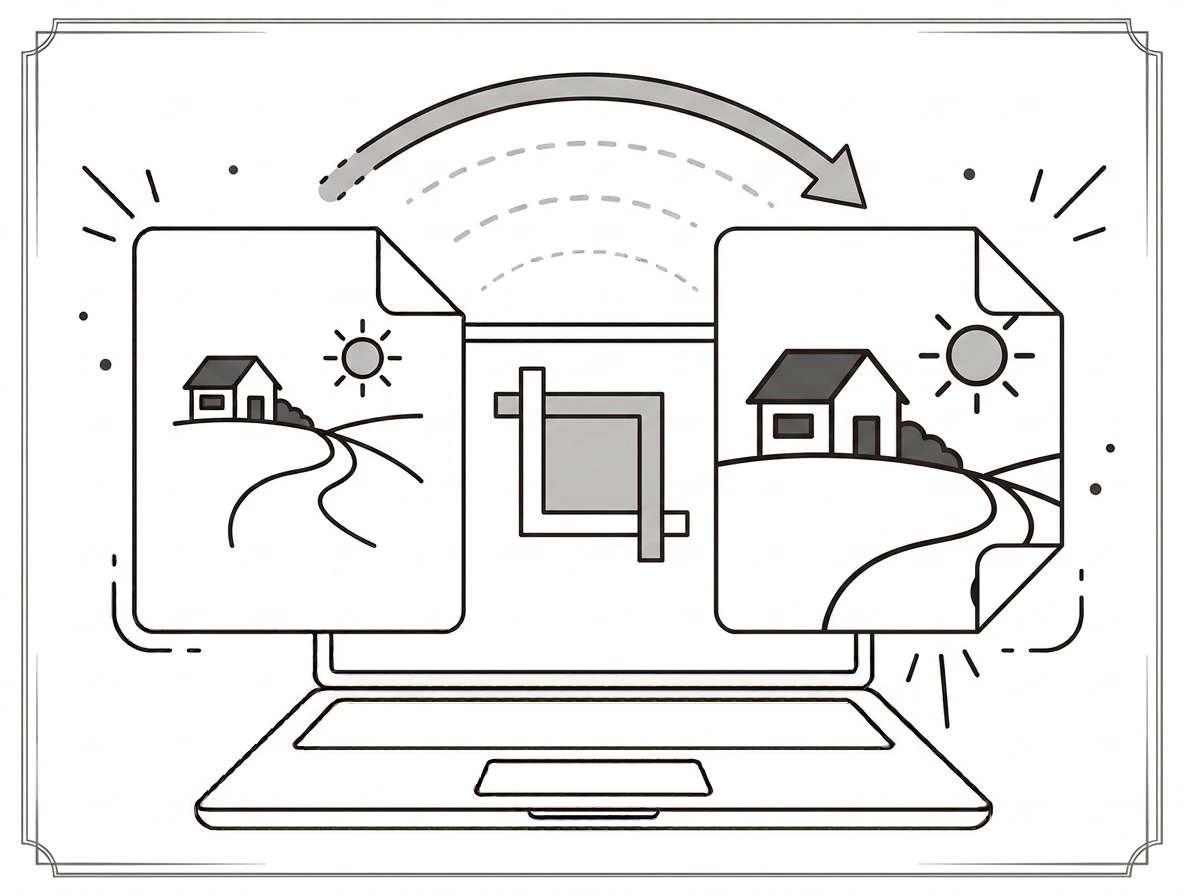
Three ways to crop, plus ratio presets
Crop however suits you: drag the white box to move it and drag a corner to resize; type exact X, Y, Width and Height for pixel-perfect control; or pick a ratio Free, 1:1 (square), 16:9, 4:3 or 3:4. The 1:1 preset is ideal for profile pictures, 16:9 for thumbnails. In a batch, the same crop area is applied to every image, which works best when your images share similar dimensions.
Why crop an image?
Cropping removes distractions, focuses on the subject, and fits an image to a required shape a square avatar, a 16:9 banner, or a passport-style portrait. It’s one of the most common edits, useful for social posts, thumbnails, product photos and tidying up screenshots before you share them.
Crop image on Windows, Mac, iPhone and Android
Because it runs in your browser, the tool works the same on Windows, macOS, Android and iPhone with nothing to install. Upload a photo on any device, set your crop, and download the result in seconds no editing app required.
Why choose our crop image tool
- Three ways to crop drag, exact dimensions, or ratio presets.
- Ratio presets Free, 1:1, 16:9, 4:3 and 3:4.
- Batch + ZIP crop up to 10 images at once and download them together.
- Private by design cropped in your browser; files are never uploaded.
- Works everywhere any modern browser on desktop or mobile.
Frequently asked questions (FAQ's)
Is this crop image tool free?
Yes completely free, with no sign-up, no watermark and no usage limits.
Can I crop to an exact size?
Yes type exact X, Y, Width and Height for pixel-perfect cropping.
Does it have ratio presets?
Yes Free, 1:1, 16:9, 4:3 and 3:4, so you can crop to a square, banner or portrait shape.
Can I crop several images at once?
Yes up to 10 per batch; the same crop area applies to each, best when sizes are similar.
Can I change the format while cropping?
Yes keep the original format or convert to JPG, PNG or WEBP.
Are my images uploaded to a server?
No. Everything runs in your browser, so your files never leave your device.