
Quick answer
To convert video to JPG, add your video to the converter above, choose how many frames per second you want, and click Convert. Every frame becomes a JPG you can preview and download, one at a time or all together as a ZIP. It is free, needs no sign up, and your video never leaves your device.
How to convert video to JPG
Add your video
Drag and drop an MP4, WebM or MOV file onto the converter, or click to browse.
Choose the frame rate
Pick how many frames per second to capture. A lower rate gives fewer images with wider gaps.
Extract the frames
The converter reads the video on your own device and builds every JPG locally.
Download the images
Save single frames, or take everything in one ZIP archive.
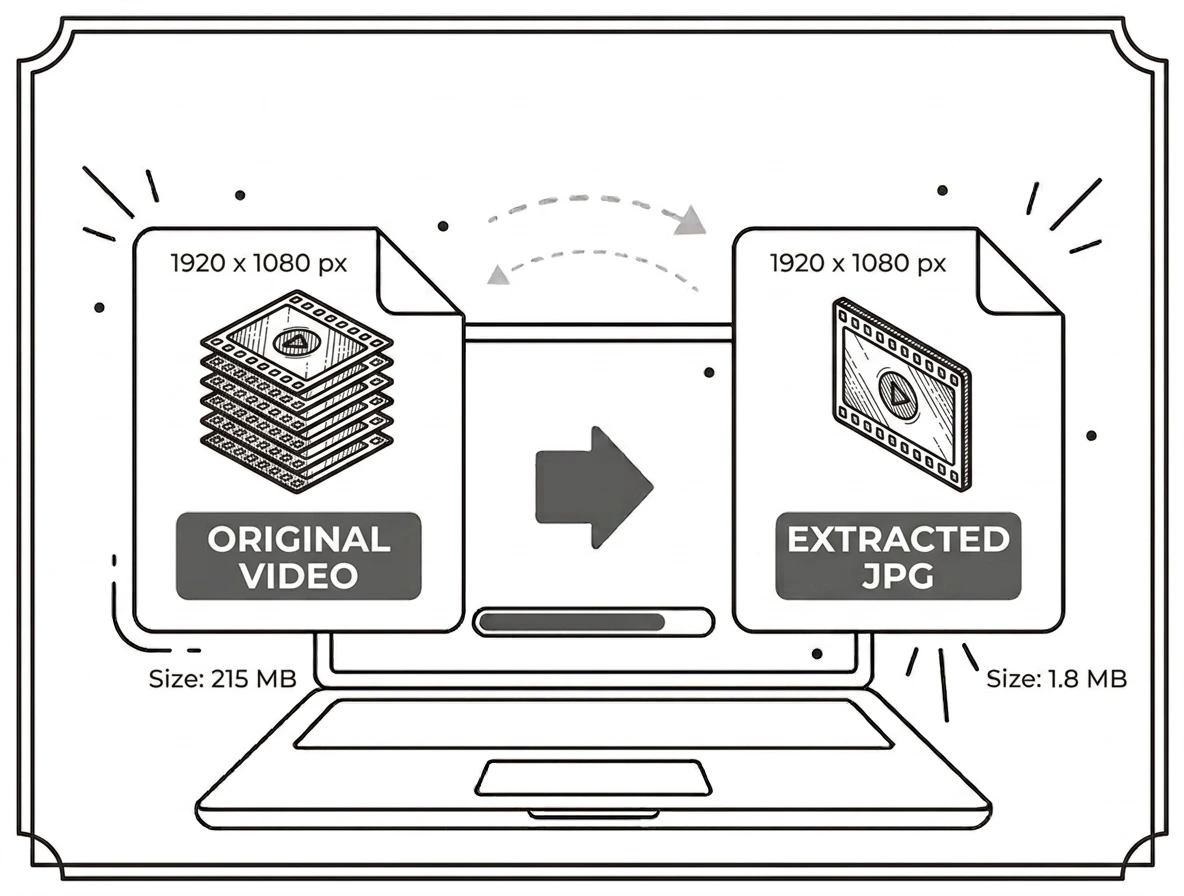
How to extract frames from video
The quickest way to extract frames from video is to let a frame extractor do the counting for you. Set the rate, and every matching moment is captured at the video's own resolution. This beats pausing and screenshotting, because a screenshot is compressed twice, once by the player and once by the capture, while direct extraction pulls the original pixels.
Video to image, photos or pictures
Whether you call it video to image, video to images or turning video into photo, the job is the same and this page does all of it. Every frame comes out as a standard JPG that opens anywhere, so you can use the results as thumbnails, reference shots, slides or proof for a report.
Video to photo converter for MP4, MOV and WebM
This video to photo converter accepts MP4, WebM and MOV, which covers phone recordings, screen captures and most downloads. Converting MP4 to JPG needs no plugin and no install. If a rare codec will not open, re-save the clip as MP4 first and it will work.
Why JPG for video frames?
JPG is the right output for stills pulled from footage. As MDN explains in its guide to image formats, JPEG uses lossy compression tuned for photographic content, so frames stay small and open on every device. The number of images you get depends on the frame rate you pick, so a one minute clip at 1 fps gives 60 images while 10 fps gives 600.
Why choose our video to JPG converter
Free and unlimited
No account, no watermark, no daily cap.
Nothing is uploaded
The video is read on your device, so nothing is sent anywhere.
Batch ZIP download
Take every extracted frame in a single archive.
Works everywhere
Any modern browser, desktop or phone.
What to do with your frames next
Frames from long clips add up fast, so run them through the image compressor or resize image tool before sharing. Need a different format? Try JPG to PNG for lossless copies, or JPG to PDF to put a sequence into one document. All of these sit in Image Tools.
Frequently asked questions
Is this video to JPG converter free?
Which video formats can I use?
How do I extract frames from a video?
Can I download all the frames at once?
Is my video uploaded to a server?
Does it work on a phone?
Related tools
How to Reduce Image Size to 100KB
Extracted a few hundred frames? Here is how to shrink them without wrecking the quality.
Read guideReady to pull frames from your video?
Free, private, and no sign up. Add a clip above and download your JPGs in seconds.
Browse all image tools