
Quick answer
Here is how to convert HEIC to JPG on Android: open this page in Chrome, tap the upload area, pick your photos and tap Convert. Each one becomes a JPG in seconds, on the phone itself. There is no app to install, no sign up, and nothing is uploaded to a server.
How do I convert HEIC to JPG?
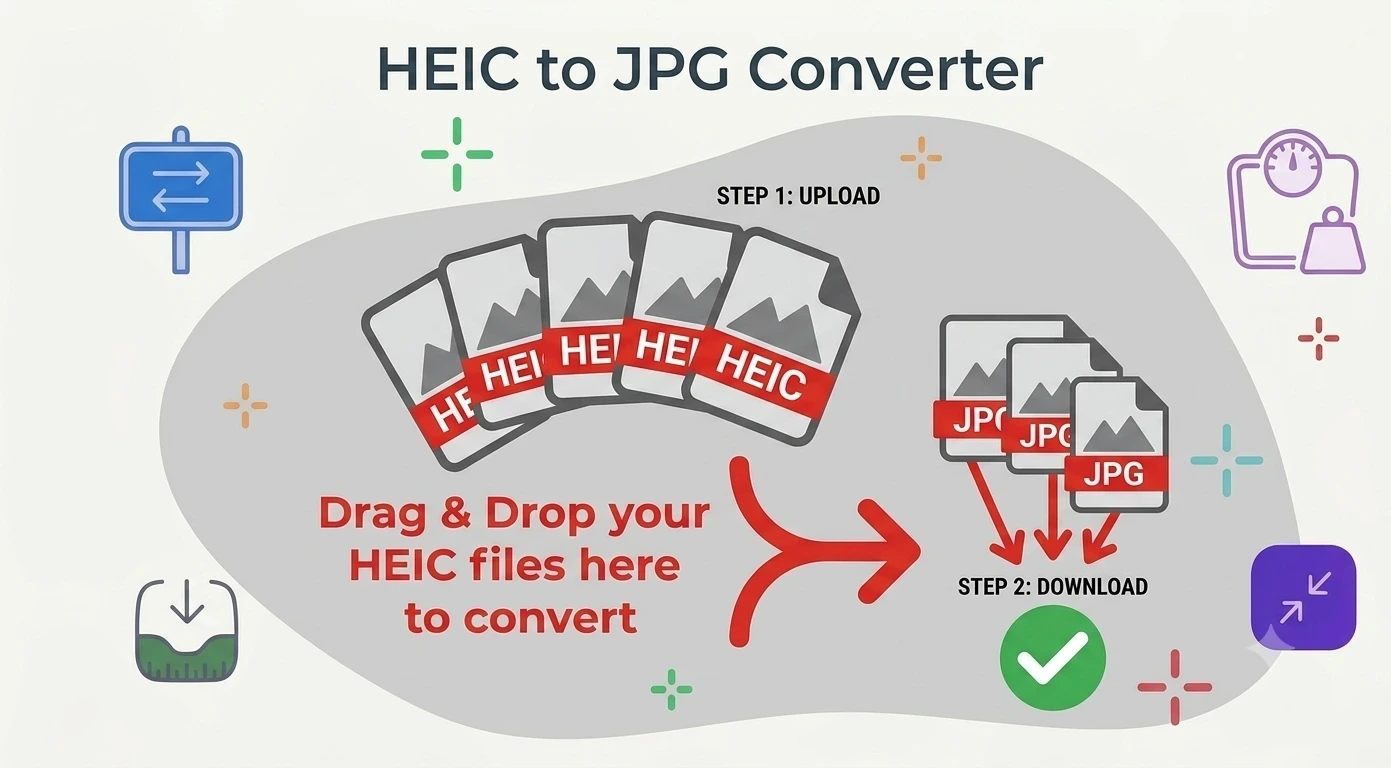
Add your HEIC photos
Drag and drop them, or tap to browse. Up to 10 files at once, 25 MB each.
Click Convert Now
Your browser decodes each HEIC on your own device. Nothing is sent to a server.
Check the preview
Each file shows its new size next to the original so you can see what changed.
Download your JPGs
Save them one by one, or take the whole batch as a single ZIP.
Converting on an Android phone
Android has no system wide converter, so photos sent from an iPhone often sit in your gallery unopenable. Because this tool is a web page, it runs in Chrome on the phone with nothing to install and no ads between you and the file. Samsung is the one exception worth knowing: on recent Galaxy models the Gallery offers Save as copy with a JPG option, and Camera settings can turn HEIF off for future shots. If that path is missing on your device, or the photos came from someone else, use the converter above.
Converting HEIC to JPG on a PC
Windows will not preview HEIC until you install a codec from the Microsoft Store, and it is often missing or refuses to install. That is what makes converting HEIC to JPG on PC so frustrating. This page skips the codec entirely, since the decoding happens in your browser, and how to change HEIC to JPG on Windows becomes the same four steps as anywhere else. If you would rather fix the underlying problem, our guide explains how to open HEIC files on Windows.
Taking iPhone photos HEIC to JPG
Usually this is about getting a photo accepted somewhere: an upload form, a print service, an older app. Convert here straight from Safari on the phone, or transfer first and convert on the computer. The result is identical, because the work happens locally either way.
Why choose our HEIC to JPG converter
Free and unlimited
No account, no watermark, no daily cap.
Private by design
Photos are decoded on your device and never uploaded.
No app to install
A web page, not a download, so it works on any phone.
Download as a ZIP
Grab the whole batch in one file instead of tapping each one.
HEIC to JPG questions
Is this converter really free?+
Do my photos get uploaded anywhere?+
How many photos can I convert at once?+
Does converting lose quality?+
Can I stop my phone saving HEIC in the first place?+
What if I need PNG or PDF instead?+
Related tools
HEIC vs JPG: Which One Should You Use?
Why your phone shoots HEIC, and when converting is worth it.
Read guideReady to convert your HEIC photos?
Free, private, and no sign up. Add your photos above and get JPGs in seconds.
Browse all image tools