
Video to GIF Converter
Convert video to GIF online free, with no sign-up and no watermark. Upload a video, pick the start and end time, and turn that clip into an animated GIF right in your browser. The video is processed on your own device using its built-in video engine, so nothing is uploaded and your files never leave your device. It’s the easy way to make a shareable GIF from a moment in a video.
Output JPG images:
(Video conversion may take a while, especially if you selected a high frame rate.)
Quick answer
To convert video to GIF, upload your video to the tool above, set the start and end time for the clip you want, and choose the GIF output the animated GIF is built right in your browser. It's free, needs no sign-up, and the video is never uploaded. Keep the clip short for a smaller, smoother GIF.
How to convert video to GIF
- Upload your video drag & drop, or click to browse (up to 200 MB; large videos depend on
your device’s memory). - Set the start and end time for the part you want to animate.
- Choose the GIF output and the frame rate (FPS).
- Download your animated GIF.
Keep the clip short for the best GIF
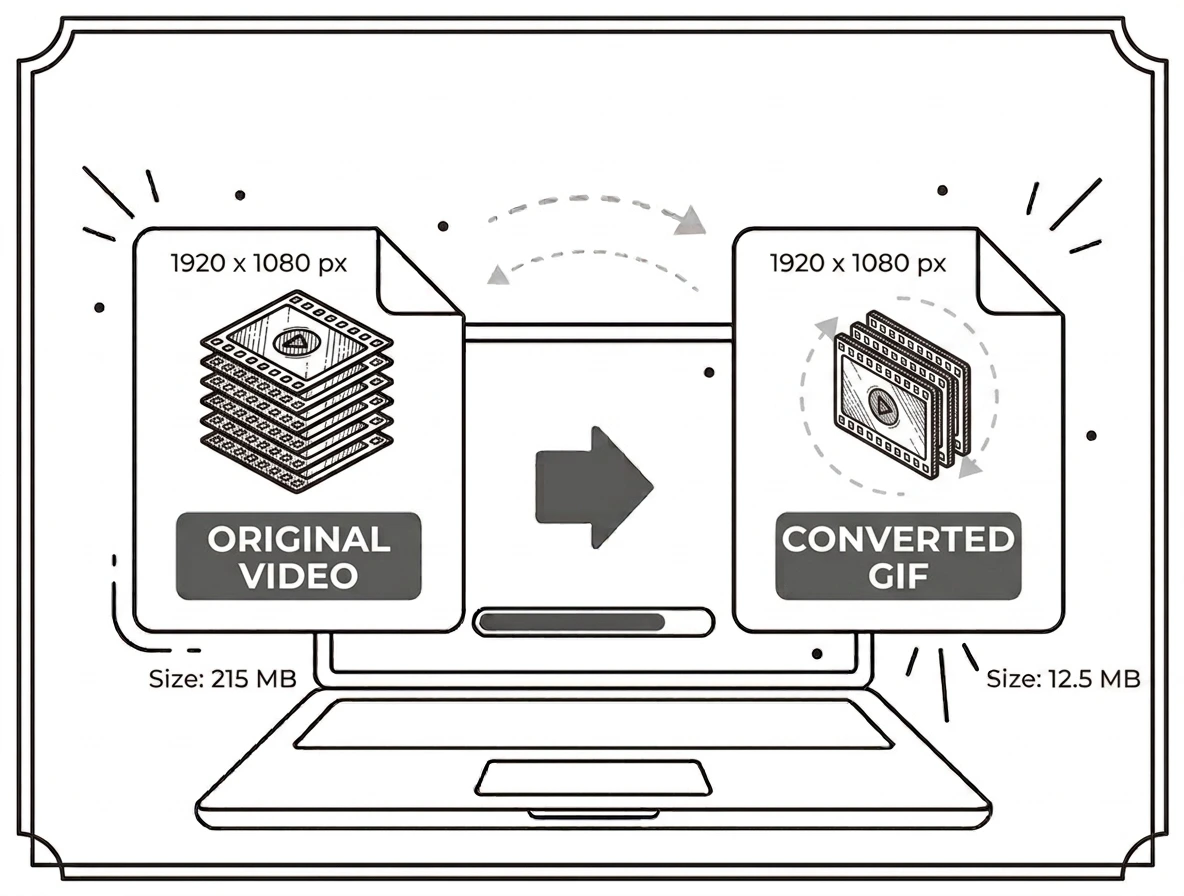
GIF is best for short moments: a few seconds makes a smooth, shareable file, while a long clip produces a very large GIF. Trim to just the seconds you need with the start and end time, and pick a sensible FPS higher FPS looks smoother but adds size. GIF uses up to 256 colours, so simple, punchy clips convert best. It all runs on your device, with nothing uploaded.
Why convert video to GIF?
GIFs autoplay and loop everywhere chats, forums, docs and social feeds without a video player, which makes them perfect for reactions, quick demos, tutorials and highlights. Turning a short clip into a GIF is the easiest way to share a moment that plays instantly, no matter where you post it.
Video to GIF on Windows, Mac, iPhone and Android
Because it runs in your browser using the built-in video engine, the tool works the same on Windows, macOS, Android and iPhone with nothing to install. Upload a clip on any device, set your range, and download the GIF in seconds.
Why choose our video to GIF converter
- Free & unlimited no account, no watermark, no daily limits.
- Pick the exact clip set start and end time before you convert.
- No install make a GIF right in the browser, no software.
- Private by design the video is processed on your device and never uploaded.
- Works everywhere any modern browser on desktop or mobile.
Frequently asked questions (FAQ's)
Is this video to GIF converter free?
Yes completely free, with no sign-up, no watermark and no usage limits.
Which video formats can I use?
Common formats your browser can play, such as MP4, WebM and MOV.
Why is my GIF file large?
GIFs grow quickly with length and frame rate trim to a few seconds and use a moderate FPS for a smaller file.
Is the video uploaded to a server?
No the GIF is built in your browser, so the video never leaves your device.
How long should the clip be?
A few seconds works best; long clips make very large GIFs.
How large a video can I use?
Up to 200 MB, though very large videos depend on your device’s available memory.