
Resize Image Online
Resize an image online free, with no sign-up and no watermark. Upload up to 10 photos, type a new width and height (with keep-aspect-ratio), and download the resized files individually or all as a ZIP. Everything runs in your browser, so your files never leave your device and are never uploaded. It’s the quick way to make images bigger or smaller to fit anywhere.
Drop your images here
or click to browse, up to 10 files, 25 MB each
Choose FilesQuick answer
To resize an image, upload it to the tool above, type the width and height you want (keep aspect ratio auto-fills the other side), and download the result instantly, right in your browser. It's free, needs no sign-up, and your files are never uploaded. You can resize up to 10 images at once.
How to resize an image
- Upload your images drag & drop, or click to browse (up to 10 images, 25 MB each).
- Type a width and height. Tick “Keep aspect ratio” to auto-fill the other side.
- (Optional) Set the output format: Same as input, JPG, PNG or WEBP.
- Download each resized image, or click “Download All (ZIP)”.
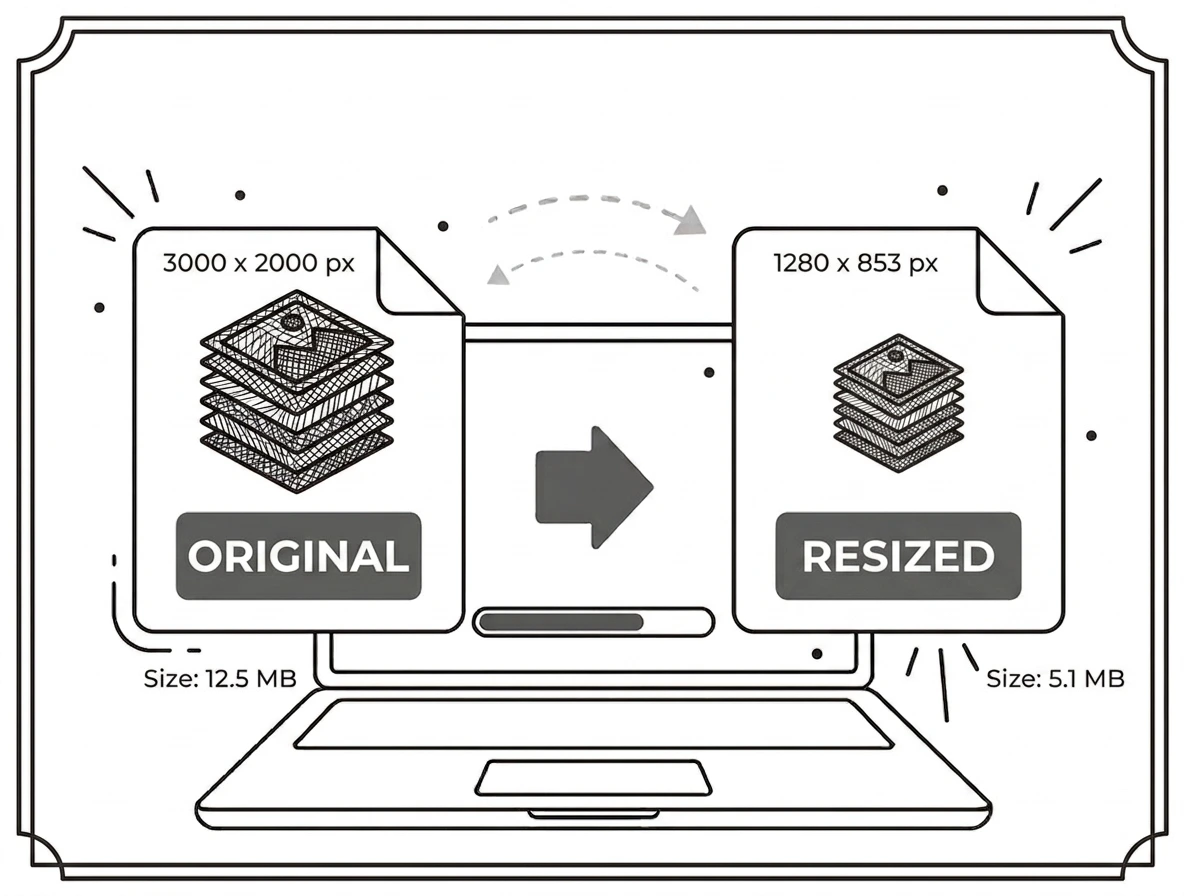
Set exact dimensions, keep the proportions
Type the exact width and height you need in pixels. With “Keep aspect ratio” on, entering one side automatically fills the other so your image doesn’t stretch. The first image’s size pre-fills the boxes, so you can tweak from there. Resize a batch of up to 10 images to the same dimensions in one go handy for a consistent set of thumbnails or uploads.
Why resize an image?
Different places need different sizes: a smaller image for faster web pages and email, a specific pixel size for a profile photo or banner, or a scaled-down copy that meets an upload limit. Resizing gives you the exact dimensions you need without opening heavy editing software.
Resize image on Windows, Mac, iPhone and Android
Because it runs in your browser, the tool works the same on Windows, macOS, Android and iPhone with nothing to install. Upload a photo on any device, set the dimensions, and download the resized file in seconds.
Why choose our resize image tool
- Exact dimensions set width and height in pixels.
- Keep aspect ratio resize without stretching.
- Batch + ZIP resize up to 10 images at once and download them together.
- Private by design resized in your browser; files are never uploaded.
- Works everywhere any modern browser on desktop or mobile.
Frequently asked questions (FAQ's)
Is this resize image tool free?
Yes completely free, with no sign-up, no watermark and no usage limits.
Can I resize without stretching the image?
Yes turn on “Keep aspect ratio” and entering one side auto-fills the other.
Can I resize several images to the same size?
Yes resize up to 10 images per batch and download them all as a ZIP.
Can I change the format while resizing?
Yes keep the original format or convert to JPG, PNG or WEBP.
Does making an image bigger add detail?
No enlarging stretches existing pixels, so very large increases can look soft.
Are my images uploaded to a server?
No. Everything runs in your browser, so your files never leave your device.