
Quick answer
To hit an exact file size, add your photo above, tick Target a maximum file size and type the number you need. The tool tests quality levels until the result fits, so an image compressor to 200kb takes one click rather than guesswork. It is free, needs no sign up, and runs entirely in your browser.
How to compress an image to an exact size
Add your images
Drag and drop them onto the tool, or click to browse. JPG, PNG, WebP, HEIC, TIFF, GIF, BMP and AVIF all work.
Tick the KB target
Choose Target a maximum file size and enter your number, or skip it and use the quality slider instead.
Click Compress
Your browser tests quality levels until the file fits. Nothing is sent to a server.
Check and download
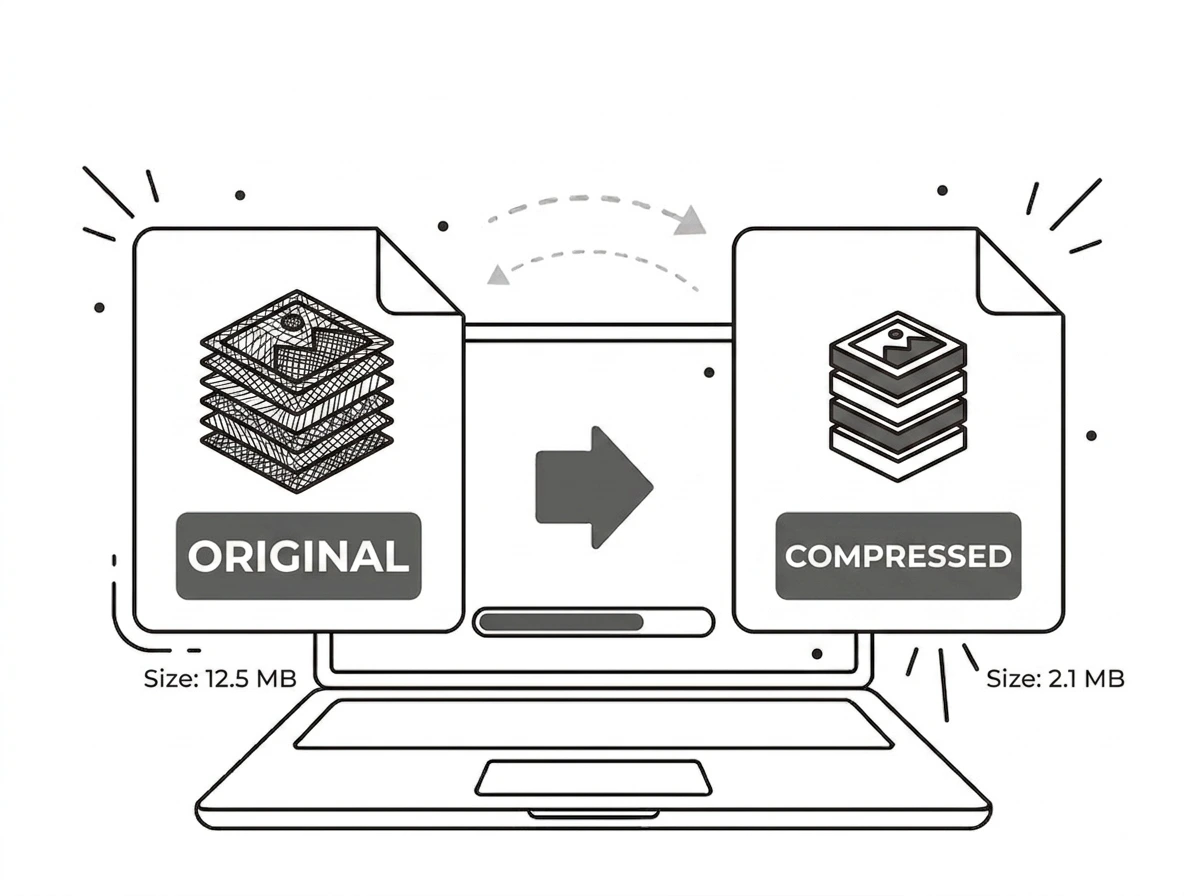
Each file shows the old size next to the new one. Save individually or take the batch as a ZIP.
Hitting the limits forms actually ask for
Job portals, exam boards and government sites almost always name a number, and the four that come up most are 20, 50, 100 and 200. Type it in and the tool does the rest. Use an image compressor to 200kb for a document scan that still needs readable text, an image compressor to 100kb for a standard profile photo, or an image compressor to 50kb when the form is stricter. An image compressor to 20kb is the tightest common limit, usually a signature or thumbnail, and works best on small, simple images.
Compress WebP, HEIC and the rest
You can compress WebP files directly and keep them as WebP, which stays smaller than JPG at the same quality. HEIC and TIFF are also accepted, though both are decode only in browsers, so those come back as JPG. Everything else keeps its original format unless you pick a different one from the output menu.
How the KB target actually works
There is no single quality setting that produces a given file size, because it depends entirely on the picture. A flat logo and a detailed landscape behave very differently. So the tool re-encodes your image at several quality levels and narrows in until it finds the highest quality that still fits under your number. That search runs on your own machine, which is why it is instant and why nothing gets uploaded.
Why choose our image compressor
Free and unlimited
No account, no watermark, no daily cap.
Private by design
Images are processed on your device and never uploaded.
Exact size targeting
Name a number in KB instead of guessing at a slider.
Batch and ZIP
Compress a set at once and download it as one file.
Image compression questions
Is this image compressor really free?+
Will it hit my target size exactly?+
Do my images get uploaded anywhere?+
Which formats can I compress?+
Why can a PNG not reach a very small target?+
Can I compress several images at once?+
Related tools
How to Reduce Image Size to Under 100 KB
What to expect at each target, and when to switch format.
Read guideReady to compress your images?
Free, private, and no sign up. Add your files above and name your target size.
Browse all image tools