
Compress PDF
Compress a PDF to make it smaller free, with no sign-up and no watermark. Upload your PDF and the tool streamlines its internal structure to reduce the file size, right in your browser. Nothing is uploaded to a server, so your file never leaves your device.
Drop your PDF files here
or click to browse, one PDF, up to 100 MB
Choose FilesQuick answer
To compress a PDF, upload it to the tool above and click "Compress PDF." The tool rebuilds your PDF with a more efficient internal structure to reduce its size, instantly and in your browser. It's free, needs no sign-up, and your file is never uploaded.
How to compress a PDF
- Upload your PDF drag & drop, or click to browse (up to 100 MB).
- Click “Compress PDF.”
- The tool optimizes your PDF and produces a smaller file.
- Download your compressed PDF.
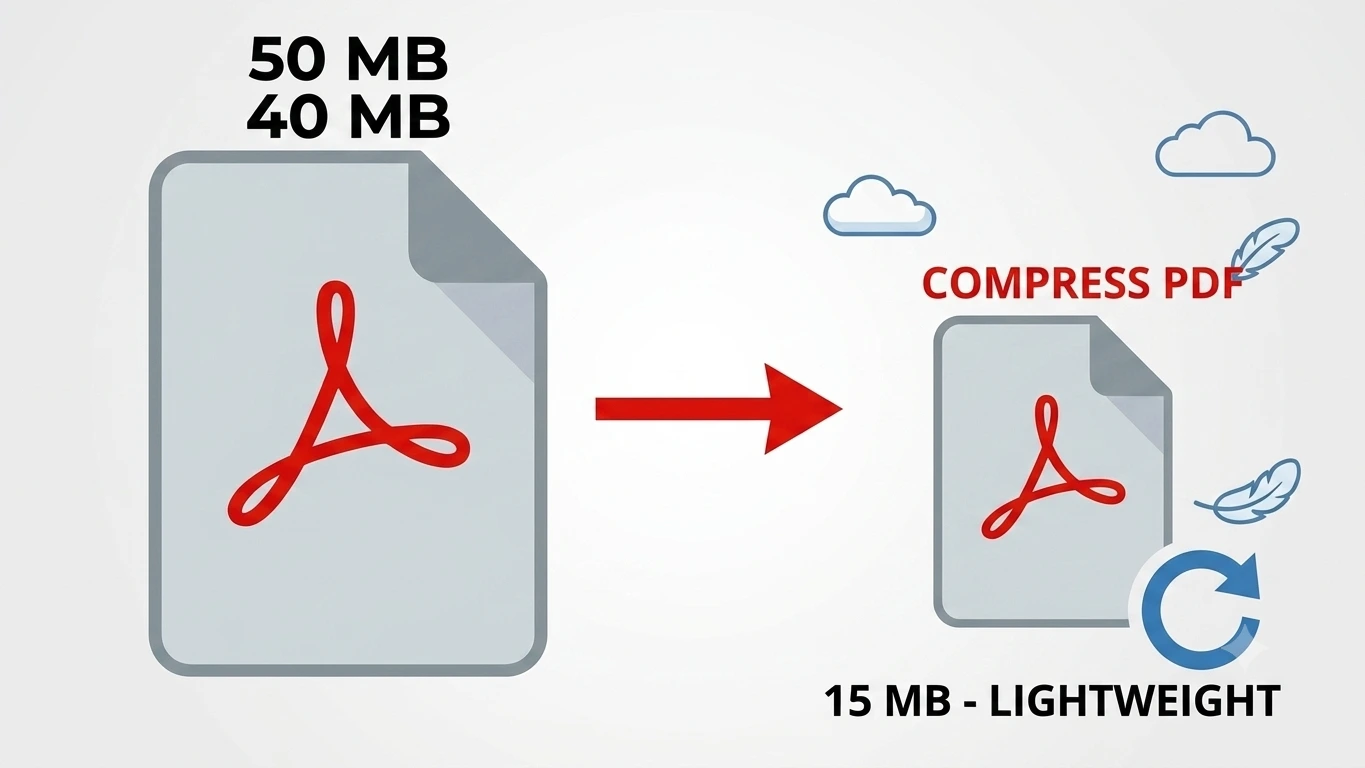
How our PDF compression works
This tool reduces file size by rebuilding your PDF with a more efficient internal structure (object streams), while keeping every page exactly as it is. It’s a safe, quality-preserving optimization your text stays sharp and your layout is untouched.
How much smaller the file gets depends on the PDF: documents with a lot of redundant structure shrink more, while files that are mostly high-resolution scanned images may only shrink a little. Either way, your original file is never changed you always get a brand-new, optimized copy to download. Because it all happens in your browser, even a large PDF is optimized in moments without ever being uploaded, which makes it a safe choice for private or work documents.
Compress PDFs on Windows, Mac, iPhone and Android
The tool runs in your browser, so it works the same on Windows, macOS, Android and iPhone with nothing to install. Open the page on any device when you need a smaller PDF to email or upload for example, to fit under an attachment size limit.
Common uses for compressing PDFs
Compressing a PDF helps whenever file size gets in the way:
- Getting a document under an email attachment size limit.
- Uploading to a portal or form that caps how large files can be.
- Saving storage space on your device or cloud drive.
- Sharing a document faster over a slow connection.
- Sending several PDFs at once without hitting a total-size cap.
Why choose our Compress PDF tool
- Free & unlimited no account, no watermark, no daily limits.
- Quality-preserving your pages, text and layout stay exactly as they are.
- Big files welcome up to 100 MB per file, free.
- Private by design compression happens in your browser; your file is never uploaded.
- Works everywhere any modern browser on desktop or mobile, nothing to install.
Frequently asked questions (FAQ's)
Is this Compress PDF tool free?
Yes, completely free, with no sign-up, no watermark and no usage limits.
How much smaller will my PDF get?
It depends on the file. PDFs with redundant internal structure shrink more; files that are mostly high- resolution images may shrink only a little.
Will compressing reduce the quality of my PDF?
No. The tool keeps your pages, text and layout exactly as they are only the internal structure is optimized.
Can I compress a scanned PDF?
Yes, but a scanned PDF made of large images may shrink less than a text-based PDF.
Is it safe to compress my PDF here?
Yes. Everything runs in your browser and your file is never uploaded to any server.
Do I need to install any software?
No. It works in any browser on Windows, Mac, iPhone and Android.