
Quick answer
To convert KB to MB, divide the kilobytes by 1,024. So 5,000 KB is 4.88 MB. Storage makers and most upload forms divide by 1,000 instead, which makes the same file 5 MB. Both answers are correct, they just use different systems, and the converter above shows you either one.
Is KB bigger than MB?
No. MB is the bigger unit, and it is not close. One megabyte holds 1,024 kilobytes, so a 3 MB photo is roughly three thousand times larger than a 3 KB text file. Asked the other way round, is kilobyte bigger than a megabyte? No, a kilobyte is the smaller of the two. In a KB vs MB comparison the order never changes, and the same pattern continues all the way up the scale.
MB = KB ÷ 1024
Binary, used by Windows and macOS. For decimal, divide by 1,000 instead.
How to convert KB to MB
Enter your KB value
Type the number of kilobytes into the converter above. Decimals are fine.
Read the MB result
The megabyte value updates as you type. Nothing to click and nothing to submit.
Swap if you need to
Use the swap button to go the other way and turn MB back into KB.
Copy the answer
Take the result straight into your form, upload limit or email attachment.
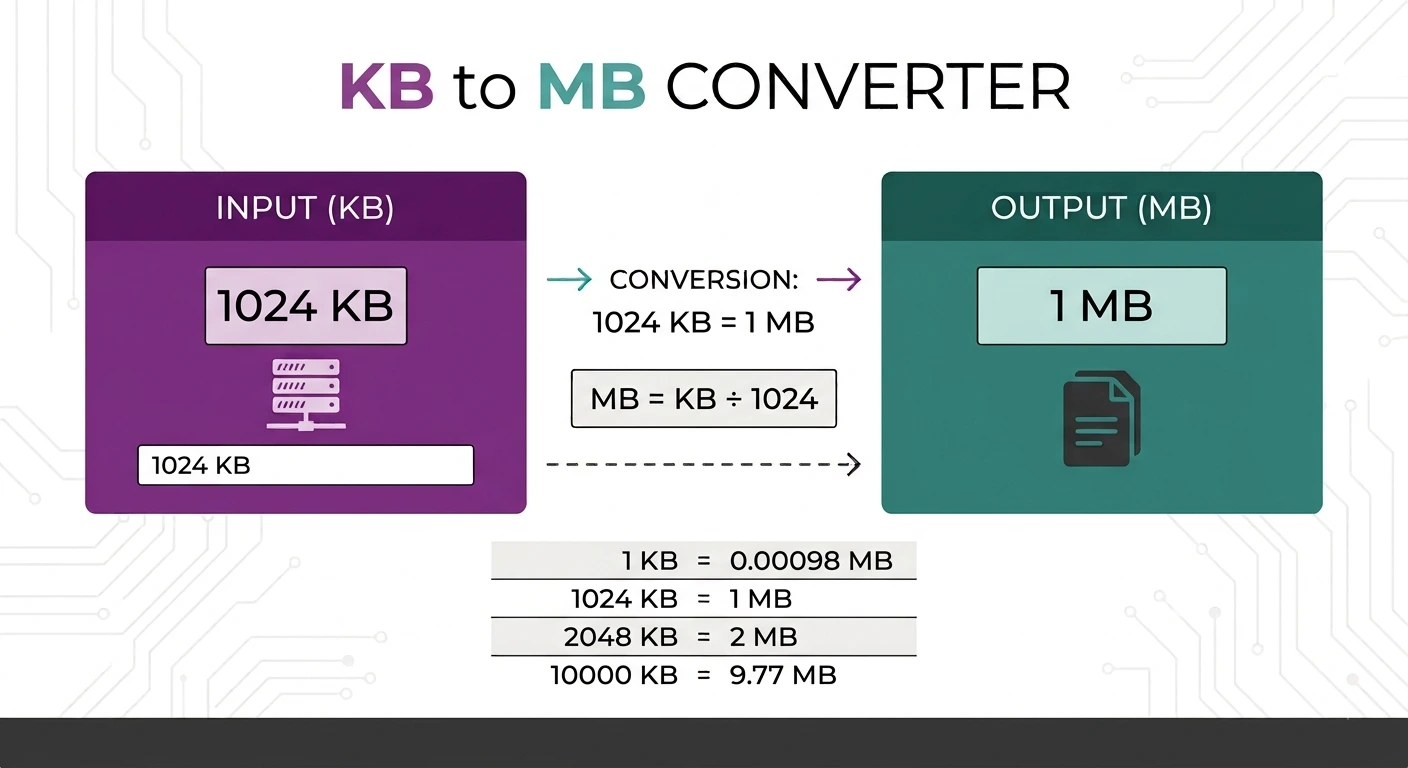
KB to MB conversion table
| Kilobytes | Megabytes (binary) |
|---|---|
| 1 KB | 0.000977 MB |
| 100 KB | 0.098 MB |
| 500 KB | 0.488 MB |
| 1,024 KB | 1 MB |
| 2,048 KB | 2 MB |
| 5,000 KB | 4.88 MB |
| 10,240 KB | 10 MB |
| 25,600 KB | 25 MB |
| 102,400 KB | 100 MB |
Why two different answers exist
Computers count in binary, so an operating system treats one megabyte as 1,024 kilobytes. Storage makers, networks and most upload forms use the decimal meaning of mega, which is 1,000. That difference is why a drive sold as 500 GB shows up as roughly 465 GB. The strict binary unit has its own name, the kibibyte, defined by the IEC binary prefixes, but nobody uses it in everyday language.
When you actually need this
The usual reason is a size limit. A portal wants a CV under 2 MB, a form caps photos at 500 KB, or an email bounces. Because the limit and your file are often quoted in different units, converting first tells you whether you need to shrink anything. If you do, our image compressor gets a photo under a target size, and the guide on reducing an image to under 100 KB covers the rest.
Why use this converter
Free and unlimited
No account, no daily cap, no watermark on anything.
Answer as you type
The result updates live, so there is no convert button to wait on.
Nothing is uploaded
The maths runs in your browser. No file or value is sent anywhere.
Works everywhere
Any modern browser on desktop, tablet or phone.
Convert other data units
Working further up the scale? Use MB to GB, GB to MB or GB to TB. For length, weight, temperature and speed in one place, the universal unit converter handles them all.
Frequently asked questions
Is KB bigger than MB?
How many KB are in 1 MB?
Is a kilobyte bigger than a megabyte?
Why does my computer show a different number?
Which one should I use for an upload limit?
Is this KB to MB converter free?
Related tools
How to Reduce Image Size to Under 100 KB
A practical walkthrough for getting any photo under a strict upload limit.
Read guideNeed another unit?
Length, weight, temperature, data and speed, all free and all instant.
Open the unit converter