
Split PDF
Split a PDF into separate files free, with no sign-up and no watermark. Choose to turn every page into its own PDF, or pull out just a specific range of pages, then download them together as a ZIP. Everything runs in your browser, so your file never leaves your device and is never uploaded to a server.
Drop your PDF files here
or click to browse, one PDF, up to 100 MB
Choose FilesQuick answer
To split a PDF, upload it to the tool above, choose "each page as a separate PDF" or "extract a page range," and click "Split PDF." Your pages are separated instantly in your browser and can be downloaded as a ZIP. It's free, needs no sign-up, and your file is never uploaded.
How to split a PDF
- Upload your PDF drag & drop, or click to browse (up to 100 MB).
- Choose how to split: every page as its own PDF, or extract a specific range.
- If extracting a range, type the pages you want (for example, 1-3 or 2,5,7).
- Click “Split PDF,” then download the results grab them all as a ZIP.
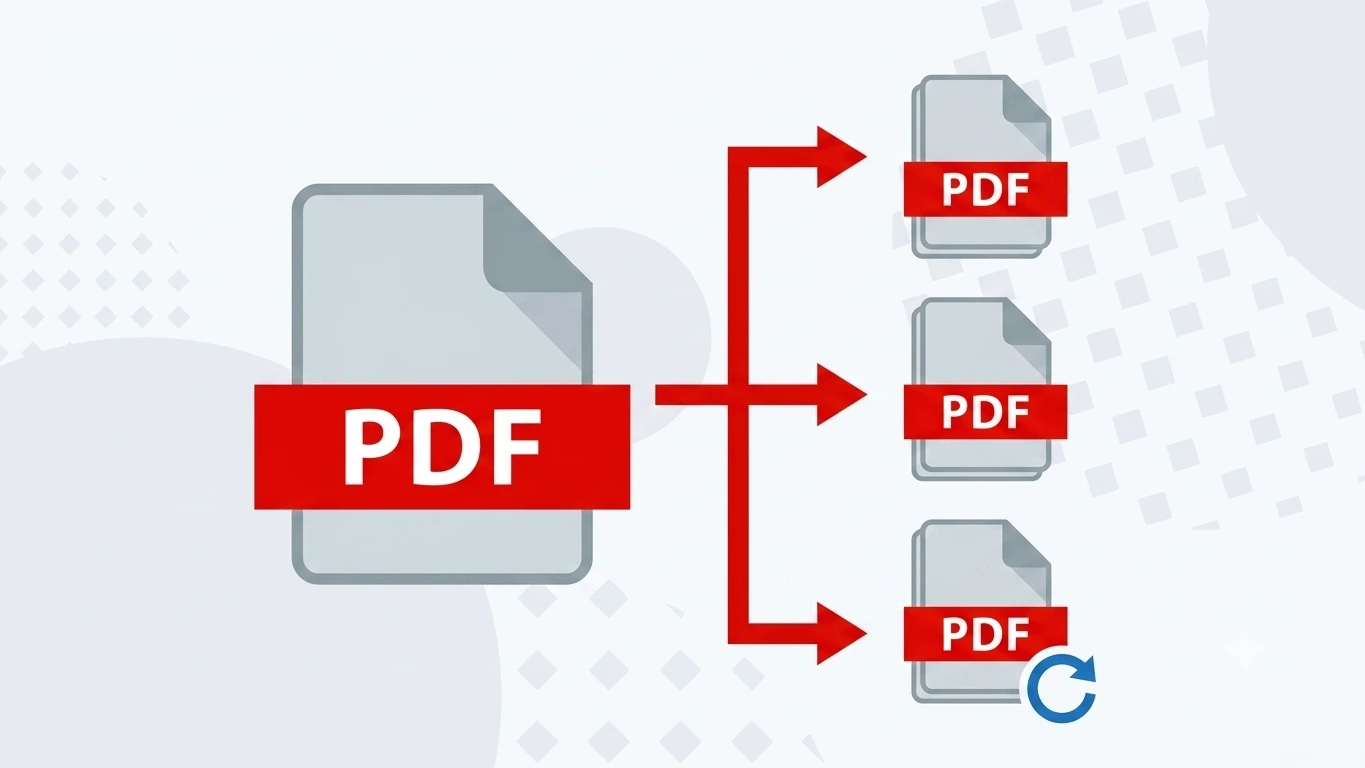
Two ways to split: every page or a range
This tool gives you two options. “Each page as a separate PDF” turns a multi-page document into individual one-page files useful when every page needs to go to a different person or folder. “Extract a range” keeps only the pages you name, so you can pull chapter 2 out of a long report or save just the pages you need. When you split into several files, you can download them all at once as a single ZIP.
Common uses for splitting PDFs
Splitting a PDF is useful whenever you only need part of a document:
- Separating a scanned batch so each page can go to a different person.
- Pulling one chapter or section out of a long report.
- Breaking a previously merged file back into individual documents.
- Saving just the signed page from a multi-page contract.
- Turning a statement into single-page files for your records.
Why choose our Split PDF tool
- Free & unlimited no account, no watermark, no daily limits.
- Two modes split every page, or extract just the pages you want.
- ZIP download get all the separated PDFs in one click.
- Private by design splitting happens in your browser; your file is never uploaded.
- Works everywhere any modern browser on desktop or mobile, nothing to install.
Frequently asked questions (FAQ's)
Is this Split PDF tool free?
Yes, completely free, with no sign-up, no watermark and no usage limits.
Can I split a PDF into single pages?
Yes. Choose “each page as a separate PDF” and every page becomes its own file.
Can I extract only certain pages?
Yes. Choose “extract a range” and enter the pages you want, such as 1-3 or 2,5,7.
How do I download all the split files?
When you split into several PDFs, use “Download All (ZIP)” to get them in one file.
Is it safe to split my PDF here?
Yes. Everything runs in your browser and your file is never uploaded to any server.
Do I need to install any software?
No. It works in any browser on Windows, Mac, iPhone and Android.