
PDF to PNG Converter
Convert PDF to PNG online free, with no sign-up and no watermark. Upload a PDF, choose your pages, and click Convert every page becomes a crisp, lossless PNG image, rendered at high quality right in your browser. Download each page or grab them all as a ZIP. Everything runs on your own device, so your files never leave it and are never uploaded to a server.
Drop your PDF files here
or click to browse, up to 5 PDF files, 50 MB each
Choose FilesQuick answer
To convert PDF to PNG, upload your PDF to the tool above, leave PNG selected, and click Convert each page becomes a lossless PNG instantly, right in your browser. It's free, needs no sign-up, and your files are never uploaded. You can convert every page or enter a range like 1-10, and download the images as a ZIP.
How to convert PDF to PNG
- Upload your PDF drag & drop, or click to browse (up to 5 PDFs, 50 MB each).
- Leave PNG selected as the output format.
- (Optional) Enter a page range like 1-10 or 2,5,7 leave blank for all pages.
- Click Convert. Download each PNG, or click “Download All (ZIP)”.
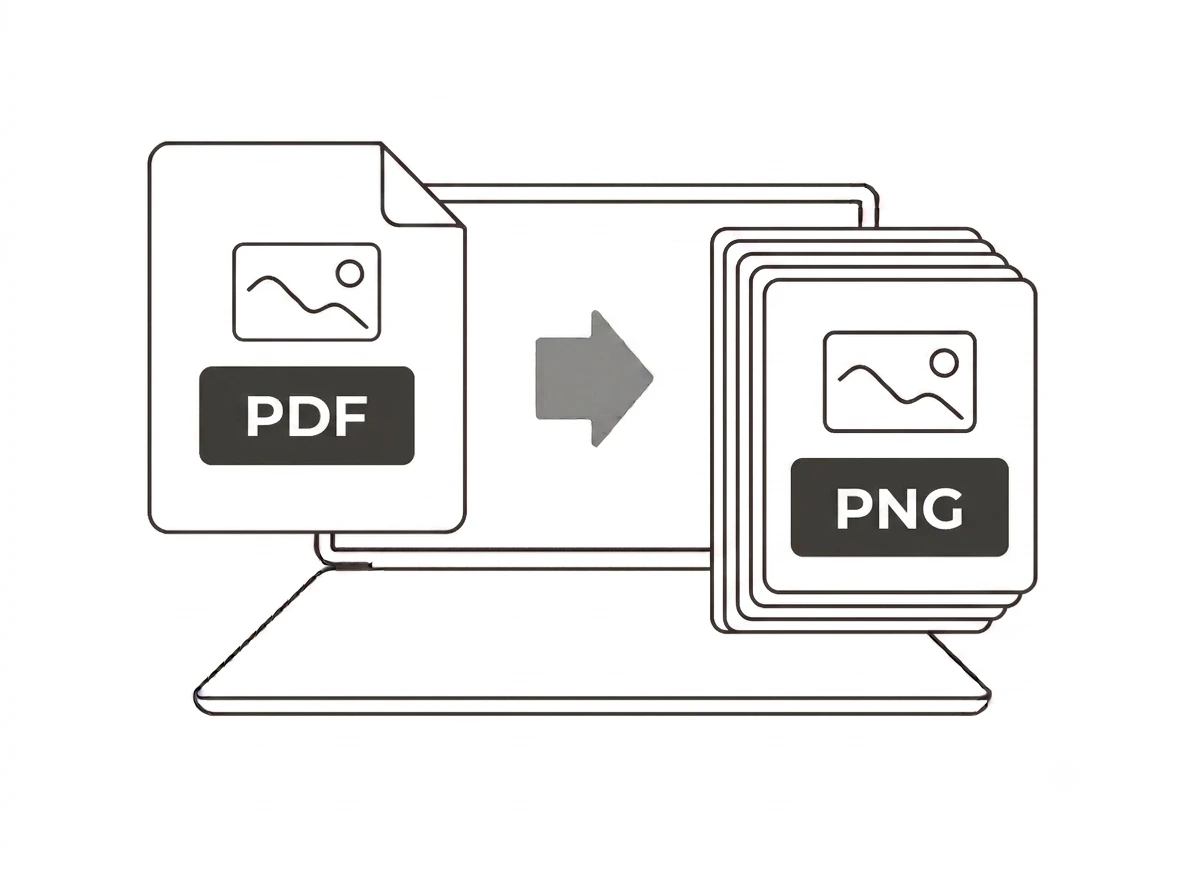
Convert every page, or just the pages you want
Unlike tools that only export the first page, this converter turns every page of your PDF into an image. Want a specific section? Type a range such as 1-10 or a list like 2,5,7 and only those pages are converted which also keeps large PDFs fast. Each page is rendered at about 2x scale for sharp, readable PNGs.
Why convert PDF to PNG?
PNG is lossless and supports transparency, so it’s the best choice when you need each PDF page as a clean, high-quality image for slides, editing, screenshots or embedding in another document. It’s also the way to reuse a page from a PDF that you can’t otherwise copy. Choose PNG for quality; choose JPG when you want the smallest file.
PDF to PNG on Windows, Mac, iPhone and Android
Because the converter runs in your browser, it works the same on Windows, macOS, Android and iPhone with nothing to install. Upload your PDF on any device and download the page images in seconds handy for pulling a figure or page out of a document on the go.
Why choose our PDF to PNG converter
- Every page convert the whole PDF or a specific page range.
- Lossless quality pages render to sharp PNGs at ~2x scale.
- Free & unlimited no account, no watermark, no daily limits.
- Private by design conversion happens in your browser; files are never uploaded.
- Batch + ZIP download all your page images together.
Frequently asked questions (FAQ's)
Is this PDF to PNG converter free?
Yes completely free, with no sign-up, no watermark and no usage limits.
Does it convert every page or just the first?
Every page or enter a range like 1-10 or 2,5,7 to convert only the pages you choose.
Should I choose PNG or JPG?
Pick PNG for lossless quality and transparency; pick JPG for the smallest file size.
Are my PDFs uploaded to a server?
No. Pages are rendered in your browser, so your files never leave your device.
How do I download all the pages at once?
Click “Download All (ZIP)” to get every converted page in a single ZIP file.
How large a PDF can I convert?
Up to 50 MB per PDF, and up to 5 PDFs at a time.