
Delete PDF Pages
Delete pages from a PDF free, with no sign-up and no watermark. Upload your PDF, tell the tool which pages to remove, and download the trimmed file. Everything runs in your browser, so your file never leaves your device and is never uploaded to a server.
Drop your PDF files here
or click to browse, one PDF, up to 100 MB
Choose FilesQuick answer
To delete pages from a PDF, upload it to the tool above, type the pages you want to remove (for example, 1-3 or 2,5,7), and click "Delete Pages." A new PDF without those pages is created instantly in your browser. It's free, needs no sign-up, and your file is never uploaded.
How to delete pages from a PDF
- Upload your PDF drag & drop, or click to browse (up to 100 MB).
- Type the pages you want to remove, such as 1-3 or 2,5,7.
- Click “Delete Pages.”
- Download your new PDF with those pages removed.
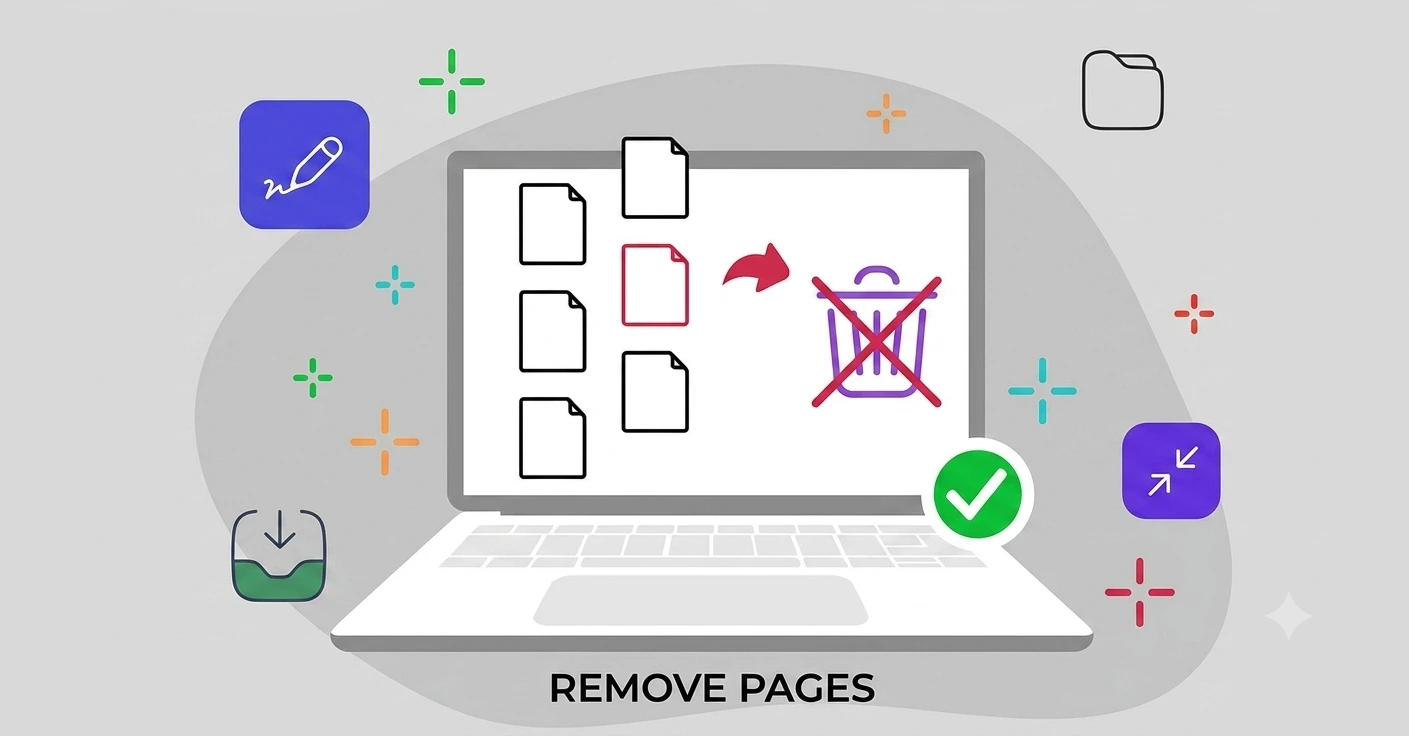
Remove blank, extra or unwanted pages
Sometimes a PDF has pages you simply don’t want to share a blank scan, a cover sheet, a duplicate, or an internal note. Instead of reprinting or rescanning, just enter those page numbers and the tool builds a clean copy without them.
Your original file stays untouched; you download a fresh version with only the pages you want to keep. Since the whole process runs in your browser, you can trim a sensitive document privately, without ever uploading it, and repeat the process as many times as you need.
Delete PDF pages on Windows, Mac, iPhone and Android
The tool runs in your browser, so it works the same on Windows, macOS, Android and iPhone with nothing to install. Open the page on any device to quickly trim a PDF before sending it on.
Common uses for deleting PDF pages
Removing pages keeps your documents clean before you share them:
- Taking out blank pages left behind by a scanner.
- Removing a cover sheet, fax header or internal note.
- Deleting duplicate pages from a merged file.
- Trimming a long report down to the section you need to send.
- Stripping out pages that shouldn’t be shared outside your team.
Why choose our Delete PDF Pages tool
- Free & unlimited no account, no watermark, no daily limits.
- Remove any pages you name single pages or ranges.
- Big files welcome up to 100 MB per file, free.
- Private by design the change happens in your browser; your file is never uploaded.
- Works everywhere any modern browser on desktop or mobile, nothing to install.
Frequently asked questions (FAQ's)
Is this Delete PDF Pages tool free?
Yes completely free, with no sign-up, no watermark and no usage limits.
How do I choose which pages to remove?
Type the page numbers, such as 1-3 for a range or 2,5,7 for specific pages.
Does it change my original file?
No. Your original stays untouched you download a new PDF without the removed pages.
Can I remove several separate pages at once?
Yes. Enter them together, like 2,5,7, and all of those pages are removed in one go.
Is it safe to edit my PDF here?
Yes. Everything runs in your browser and your file is never uploaded to any server.
Do I need to install any software?
No. It works in any browser on Windows, Mac, iPhone and Android.