
Quick answer
To unzip files online, drag your ZIP archive onto the tool above and it opens straight away. Browse the contents, then save individual files or all of them at once. It is free, needs no sign up and no software, and the archive is unpacked inside your browser rather than on a server.
How to unzip files online
Add your ZIP file
Drag and drop the archive onto the tool, or click to browse for it.
See what is inside
The file list appears immediately, with names and sizes, before you save anything.
Pick your files
Take the whole archive, or just the one or two files you actually need.
Download
Files are written straight to your downloads folder. No install, no account.
Extract multiple zip files at once
You can extract multiple zip files at once rather than repeating the same clicks. Drop every archive in together and each one is opened in turn, so a folder of downloads becomes a single pass. This is the main reason people unzip multiple files at once here instead of double clicking each archive in a file manager.
How to extract zip files on Chromebook
Chromebooks have limited archive support and cannot install desktop utilities, which makes a browser tool the natural fit. To extract zip files on Chromebook, open this page in Chrome, drop the archive in, and save the contents to your Downloads folder or to Google Drive. Nothing needs to be installed and no extension is required.
RAR, 7z, TAR and GZ archives
This page handles ZIP. For other formats use Extract Archive, which opens RAR, 7z, TAR and GZ, or go straight to 7z Extract and TAR and GZ Extract. One thing worth knowing: RAR and 7z can be read in a browser but not written, because both are proprietary, so ZIP is the only archive you can create here.
Why unzip in the browser?
A ZIP archive is just a container that holds compressed files together, and unpacking one is simple maths that any modern browser can do. That means no download, no installer and no permission prompt. It also means the archive is never handed to a stranger's server, which matters when it holds invoices, ID scans or client work.
Why choose our online ZIP extractor
Free and unlimited
No account, no ads in the way, no daily cap.
Nothing is uploaded
Archives are unpacked on your device, so contents stay private.
Several archives at once
Queue up a batch instead of opening them one by one.
Nothing to install
Ideal on Chromebooks, work laptops and locked down machines.
Other archive tools
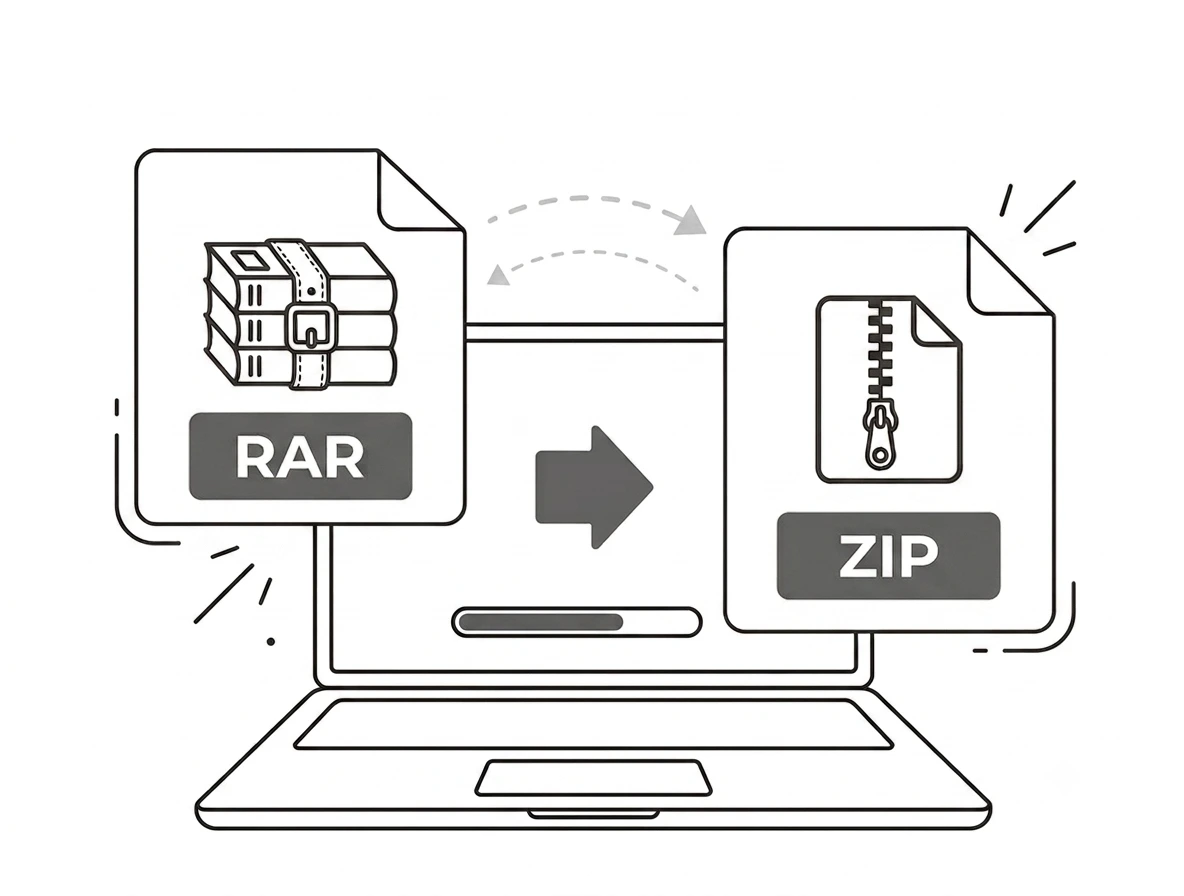
Need to go the other way? Create ZIP packs files into one archive for sending. RAR to ZIP converts an archive you cannot open into one you can. Everything else lives in Archive Tools, and if the files inside are images you can shrink them with the image compressor.
Frequently asked questions
Is this online ZIP extractor free?
How do I extract multiple zip files at once?
How do I extract zip files on a Chromebook?
Can it open RAR and 7z files?
Is my archive uploaded to a server?
Is there a file size limit?
Related tools
How to Open RAR Files Without WinRAR
Free ways to open a RAR archive when you cannot or will not install software.
Read guideGot an archive to open?
Free, private, and nothing to install. Drop your ZIP above and pull out what you need.
Browse all archive tools