
Quick answer
Use the zip tool above: drag your files in, type a name for the archive, and press Create ZIP. One file comes back, ready to email or upload. It is free with no sign up, and because the archive is built inside your browser, none of your documents are sent to a server.
Building an archive in four steps
Pick your files
Drag a selection in, or tap to browse. Documents, photos and PDFs can all go in together.
Name the archive
Give it something meaningful. Leave it blank and you get a sensible default instead.
Press Create ZIP
Compression runs in your browser. Nothing is uploaded and there is no queue to wait in.
Download and share
One file comes back. Email it, drop it in chat, or upload it wherever you need it.
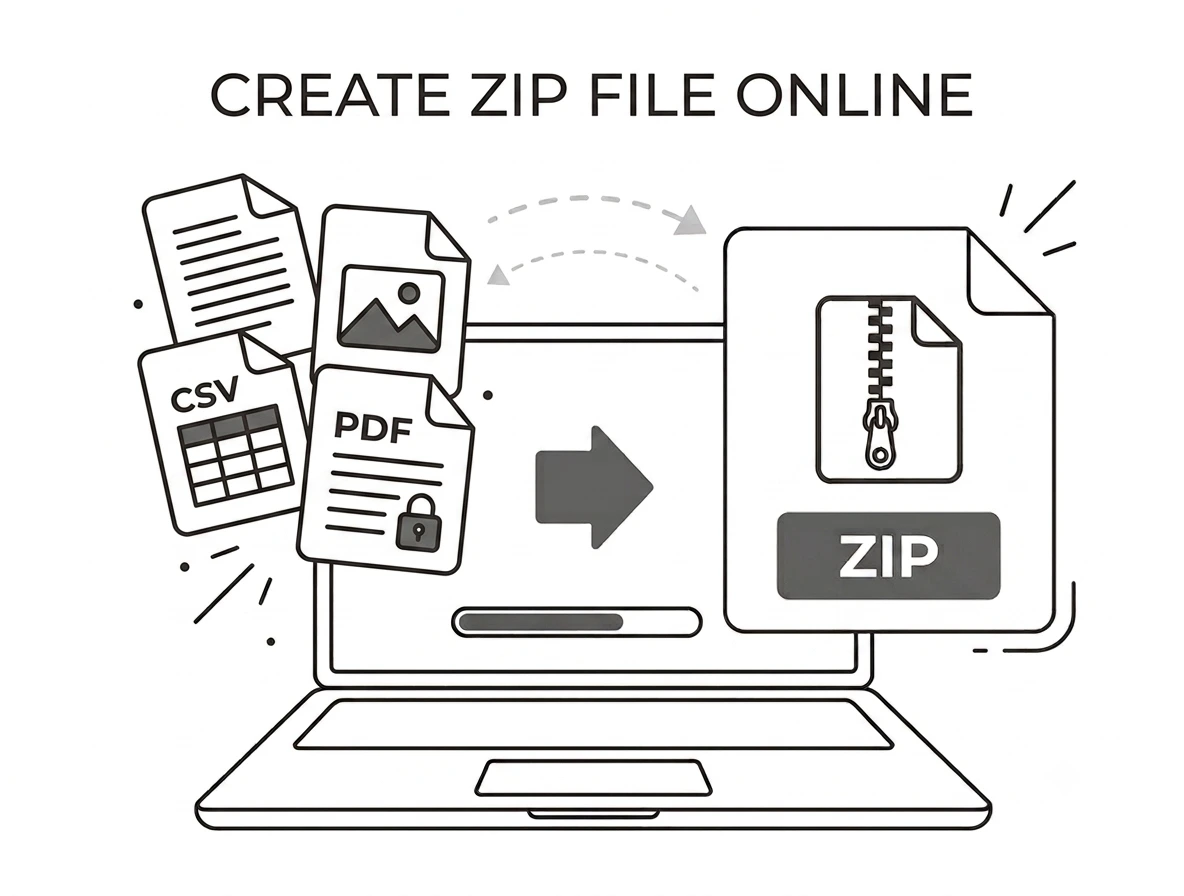
One file instead of thirty attachments
The most common reason people reach for a zip tool is email. Attaching thirty photos is painful for you and worse for whoever receives them, while a single archive arrives as one clean download. The same applies to client handovers, assignment submissions and anything you need to put on a shared drive without scattering loose files across it.
A pdf to zip job and a png to zip job are the same job
A ZIP archive does not care what is inside it. Bundling a pdf to zip, sending a png to zip, or mixing a spreadsheet, three photos and a contract into one archive all work identically here. Add whatever you have, name the file, and take the result. If you need the reverse, our unzip files tool opens archives just as quickly.
How to compress folder contents in a browser
This is worth explaining because it trips people up. When you compress folder contents on Windows you right click the folder itself, but a web page is never handed a folder, only the files you choose. So open the folder first, select everything inside it, and drag that selection into the box. The archive you get back is identical to the one Windows would have made.
A zipper folder replacement that never uploads
Most online archivers send your files to their servers, compress them there and let you download the result. This one does not. It behaves like a local zipper folder utility that happens to live in a browser tab, which means confidential documents stay on your disk and nothing has to be trusted or deleted later. It also explains why there is no sign up and no wait.
Why choose our zip tool
Free and unlimited
No account, no cap, no watermark anywhere.
Nothing leaves your device
Archives are built locally in your browser.
Any mix of files
Photos, PDFs, documents and spreadsheets together.
Works on phones
Same steps on Android and iOS browsers.
ZIP file questions
Is this zip tool free?+
Are my files uploaded anywhere?+
Can I zip a whole folder?+
Is there a size limit?+
Can I put a password on the archive?+
Will zipping make my files much smaller?+
Related tools
Combine Images into a PDF
When a PDF beats a ZIP for sending a set of pictures.
Read guideReady to bundle your files?
Free, private, and no sign up. Add your files above and get one archive back.
Browse all archive tools