
Quick answer
Drop your animated GIF above and press Convert. You get a gif to png sequence, one lossless PNG per frame, numbered in order inside a single ZIP. Transparency is preserved and each frame is composited correctly rather than saved as a fragment. Free, no sign up, and nothing is uploaded.
Extracting the frames in four steps
Drop your GIF in
The preview plays straight away, with size, dimensions, frame count and length beside it.
Leave All frames selected
That is the default. Switch to First frame only if you just want one still.
Press Convert
Every frame is decoded and composited on your device. Nothing is uploaded.
Download the ZIP
Frames arrive numbered in order, so 01, 02, 03 and so on stay in sequence.
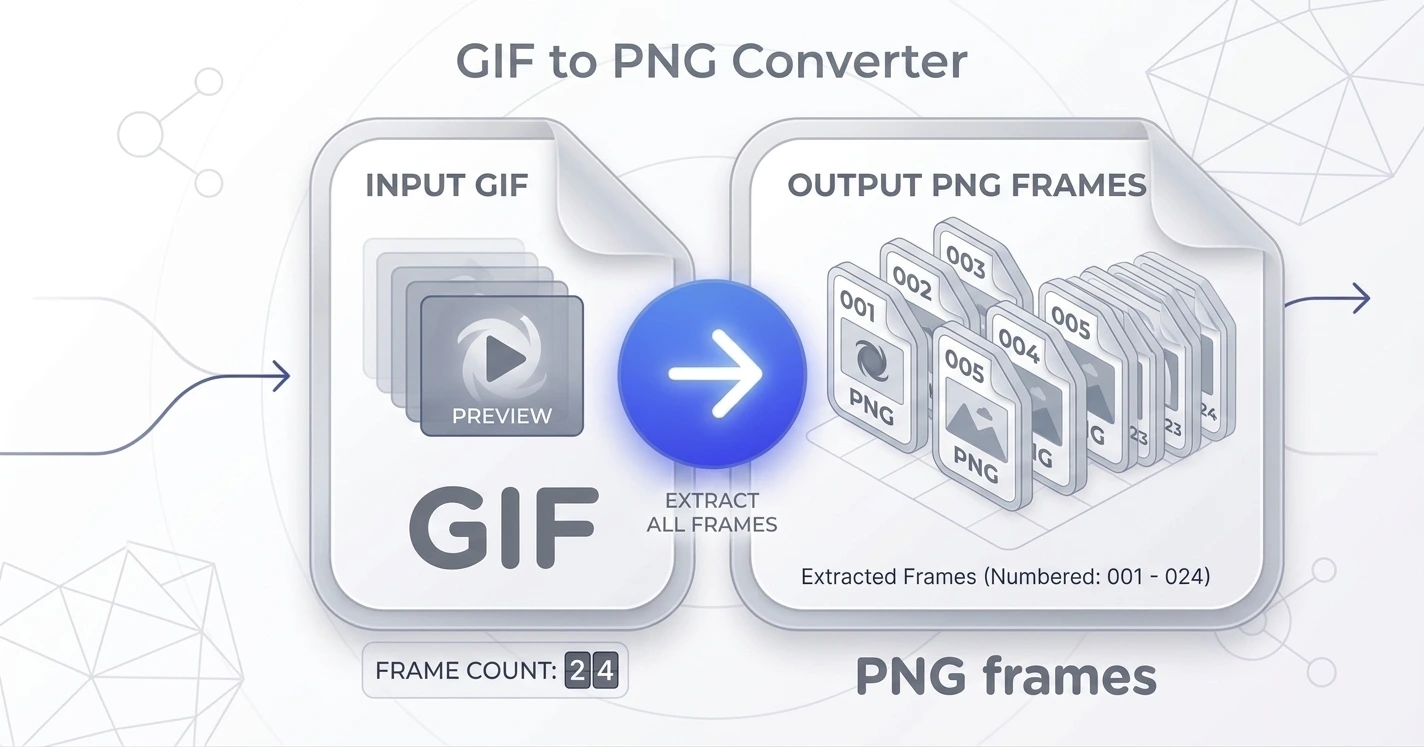
A gif to png sequence, not a single flattened still
Most converters treat a GIF as one picture and hand back the first frame. That is fine for a thumbnail and useless for anything else. This tool produces a proper gif to png sequence: one lossless PNG per frame, numbered in playback order, delivered as a single ZIP. A twelve frame animation gives you twelve files, not one.
Correct compositing, not raw fragments
GIF stores only the pixels that changed between frames, along with a disposal instruction telling a player whether to clear, keep or restore the canvas first. A tool that ignores that produces broken looking fragments after the first few frames. This one paints each frame onto a running canvas and applies the disposal rule, which is why every image in your gif to png frames download is a complete picture rather than a patch.
Sprites, thumbnails and frame by frame edits
Game developers pull sprite sheets apart this way. Designers grab one exact moment out of a reaction GIF to use as a static image. Anyone editing an animation needs to save frames of a gif first, change them in an editor, then rebuild. A gif to image sequence is also the usual first step when moving old GIF artwork into a modern format, so pair it with our PNG to WebP or PNG to AVIF tool afterwards.
A gif to frames converter that never uploads
Frame extraction happens in your browser. In Chrome and Edge it uses the decoder already built into the browser, so there is nothing to download at all. Elsewhere a small decoder loads once. Either way your GIF stays on your disk, which matters more than people expect, because GIFs are often screen recordings of private work.
Why choose our gif to frames converter
Free and unlimited
No account, no watermark, no daily cap.
Nothing is uploaded
Frames are decoded on your device and never sent anywhere.
Every frame, numbered
Playback order preserved, delivered as one ZIP.
Details before you convert
Size, dimensions, frame count and length shown up front.
GIF to PNG questions
Does this give me every frame or just one?+
Is it free?+
Does transparency survive?+
Why do some frames look like partial images elsewhere?+
How many frames can it handle?+
Can I put the frames back together?+
Related tools
PNG vs JPG: Which Should You Use
Transparency, lossless quality, and when file size wins.
Read guideReady to split your GIF?
Free, private, and no sign up. Add your file above and get every frame in seconds.
Browse all image tools