
Quick answer
Add your file above, choose which pages to turn and which direction, then save. The rotation is written into the document rather than applied as a view, so a landscape pdf stays landscape when you reopen, email or print it. Free, no sign up, and nothing is uploaded.
Turning your pages in four steps
Add your PDF
Drag it in or tap to browse. Scanned files, exports and multi page reports all work.
Pick the pages
Rotate everything, or name a single page or a range if only some are sideways.
Choose a direction
Ninety degrees either way, or one hundred and eighty for a page that is upside down.
Save the new file
The rotation is written into the document, so it holds wherever the file is opened.
Why a landscape pdf keeps reverting
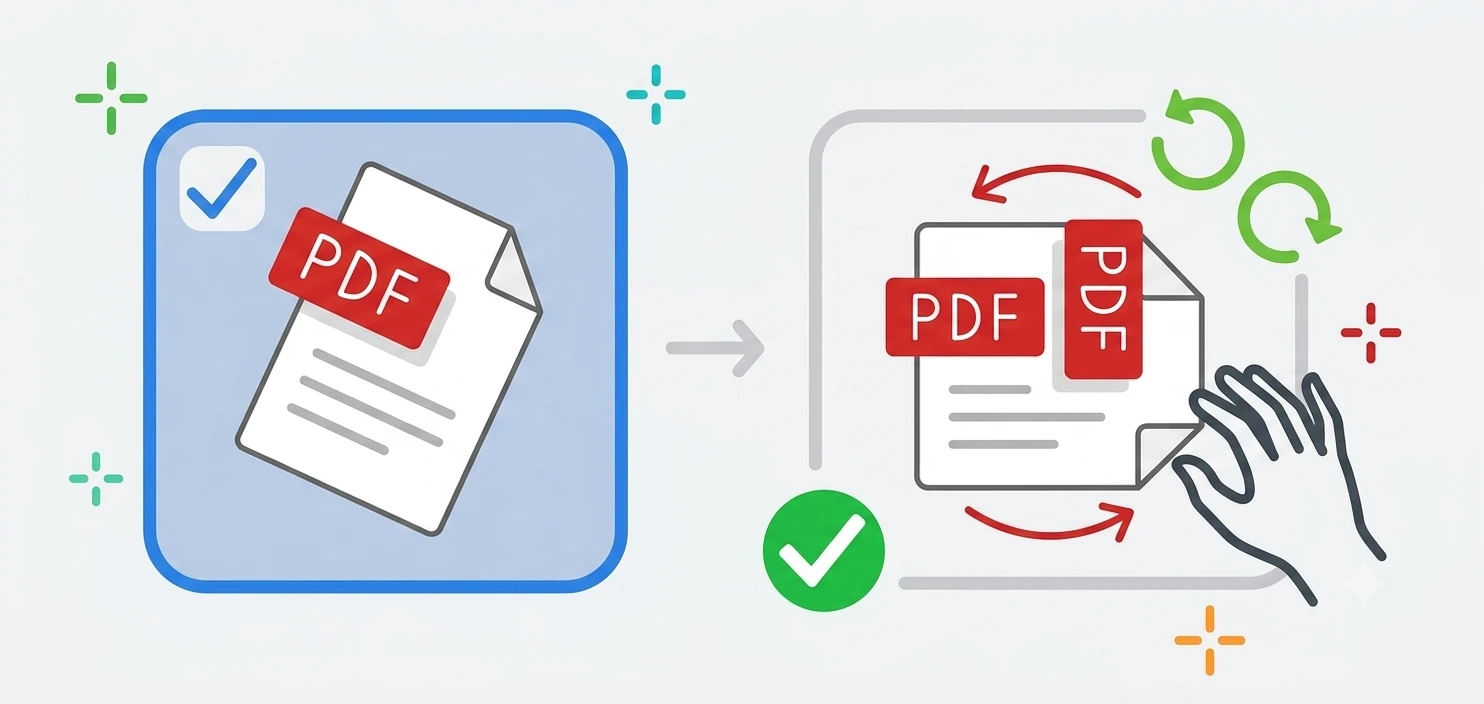
Almost everyone hits the same wall. You open a sideways file in a reader, turn it, close it and find it sideways again. That is because the View menu applies a temporary rotation to the screen, not to the document. Making a landscape pdf stay landscape needs the page object itself rewritten, which is what happens here. Save the file and the orientation travels with it into email, print and any other reader.
Rotate one page of pdf without touching the others
Scanners are the usual culprit. Feed a wide spreadsheet or a certificate through a portrait tray and it comes out turned ninety degrees. Reports do it too, mixing a wide table into an otherwise upright document. Being able to rotate one page of pdf rather than the whole file is the difference between a two second fix and re-scanning everything. Enter the page number, pick a direction, done.
Change pdf from portrait to landscape and keep it
When you change pdf from portrait to landscape here, the page turns and its content turns with it. That is the correct behaviour for a scan that came in sideways. It is not the same as reflowing a document, so if you want text laid out afresh for a wide page, go back to the original file in Word or whatever produced it and export again. For splitting or reordering instead of turning, use our PDF tools.
Rotate pdf android and iOS, with nothing installed
Android has no built in way to permanently turn a PDF page, so people searching to rotate pdf android usually end up installing an app for a thirty second job. A browser tool avoids that. Open this page in Chrome, pick the file from Downloads or Drive, rotate and save. The same steps work on iPhone and iPad in Safari.
Why choose our rotate PDF tool
Free and unlimited
No account, no watermark, no daily cap.
Nothing is uploaded
The PDF is rewritten on your device and never sent anywhere.
Page level control
Turn one page, a range, or the whole document.
Permanent, not a view
The rotation is saved into the file and holds everywhere.
Rotate PDF questions
Will the rotation actually stick?+
Why does rotating in a PDF reader not save?+
Can I rotate one page and leave the rest?+
Is it free?+
Does my document get uploaded?+
Does the text stay selectable?+
Related tools
How to Convert a PDF to Images
Page ranges, resolution and when JPG beats PNG.
Read guideReady to fix your pages?
Free, private, and no sign up. Add your PDF above and save it the right way up.
Browse all PDF tools