
Merge PDF
Merge PDF files into one document free, with no sign-up and no watermark. Drop up to 20 PDFs, drag them into the order you want, and combine them into a single file in seconds. Everything runs in your browser, so your files never leave your device and are never uploaded to a server.
Drop your PDF files here
or click to browse, up to 20 PDFs (drag to reorder)
Choose FilesQuick answer
To merge PDF files, upload all your PDFs to the tool above, drag them into the order you want, and click "Merge PDFs." They're combined into a single PDF instantly, right in your browser. It's free, needs no sign-up, and your files are never uploaded. You can merge up to 20 PDF files (up to 100 MB each) at once.
How to merge PDF files
- Upload your PDFs — drag & drop, or click to browse (up to 20 files, 100 MB each).
- Drag the files by the handle to set the order they’ll appear in.
- Click “Merge PDFs.” Your files are combined into one PDF instantly.
- Download your merged PDF.
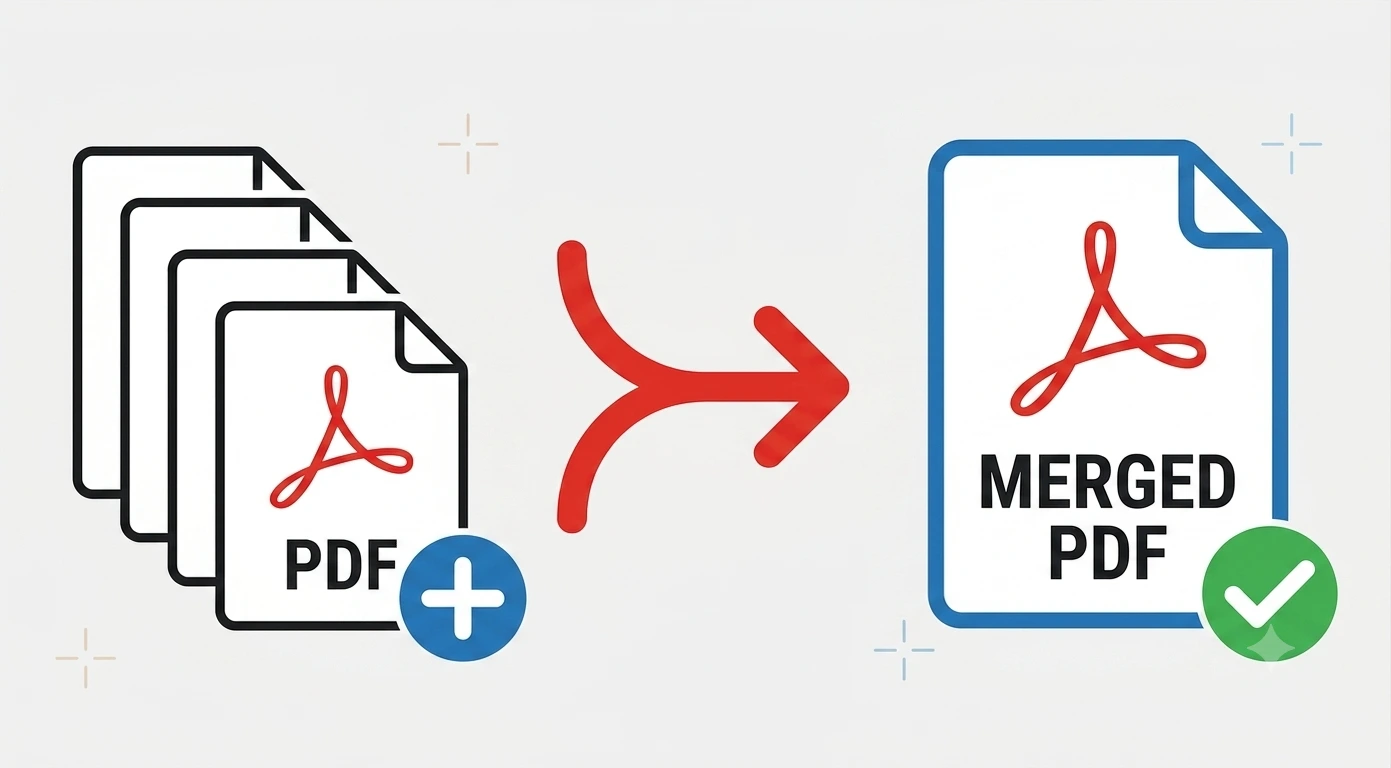
Put your pages in the right order
Order matters when you merge, so the tool lets you arrange your files before combining them. Just drag each PDF up or down using the handle until the sequence is right the merged document follows that exact order, page for page. This makes it easy to assemble things like a contract with its appendices, a report built from several exports, or a set of scanned pages that arrived out of order.
Merge PDFs on Windows, Mac, iPhone and Android
Because the tool runs in your browser, it works the same on Windows, macOS, Android and iPhone with nothing to install. Open the page on any device, add your PDFs and download one combined file handy when you need to bundle documents on a phone or a computer that doesn’t have PDF software.
Common uses for merging PDFs
Merging PDFs helps in plenty of everyday situations:
- Combining a contract with its appendices or attachments into one file.
- Bundling several scanned pages into a single document to send.
- Joining monthly reports or invoices into one PDF to archive.
- Putting a cover letter, CV and portfolio together for a job application.
- Assembling chapters or sections that were exported separately into one guide.
Why choose our Merge PDF tool
- Free & unlimited no account, no watermark, no daily limits.
- Combine up to 20 PDFs into one, with drag-and-drop ordering.
- Big files welcome up to 100 MB per file, free.
- Private by design merging happens in your browser; files are never uploaded.
- Works everywhere any modern browser on desktop or mobile, nothing to install.
Frequently asked questions (FAQ's)
Is this Merge PDF tool free?
Yes, completely free, with no sign-up, no watermark and no usage limits.
How many PDFs can I merge at once?
Up to 20 PDF files in a single merge, each up to 100 MB.
Can I choose the order of the files?
Yes. Drag the files into any order before merging, and the combined PDF follows it.
Is it safe to merge my PDFs here?
Yes. Everything runs in your browser and your files are never uploaded to any server.
Will merging reduce the quality of my PDFs?
No. Your pages are combined exactly as they are, with no quality loss.
Do I need to install any software?
No. It works in any browser on Windows, Mac, iPhone and Android.