
Quick answer
To convert TIFF to PDF, add your TIF or TIFF files to the converter above, drag them into the order you want, and click Convert. Each image becomes a page in one PDF, built inside your browser. It is free, needs no sign up, and works with scans, faxes and photo TIFFs alike.
How to convert TIFF to PDF
Add your TIFF files
Drag and drop your .tif or .tiff files, or click to browse. Up to 20 files at once.
Set the page order
Drag any file to move it. The on screen order becomes the page order in your PDF.
Click Convert
Your browser builds the PDF locally. No scan is sent to a server.
Download the PDF
Save the finished document, or take each page separately.
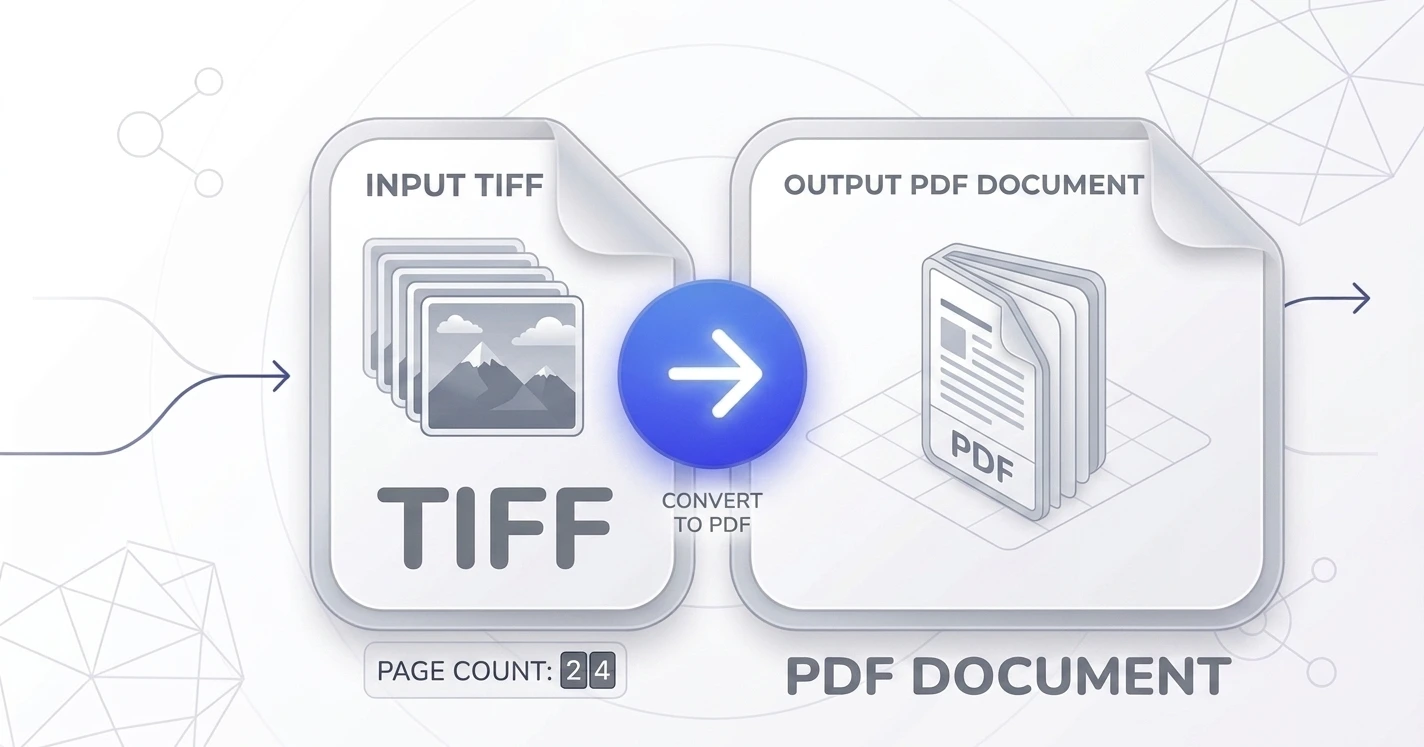
Tagged Image File Format to PDF
TIFF stands for Tagged Image File Format, and converting Tagged Image File Format to PDF is the standard way to make a scan shareable. The format was built for scanners and printers rather than for the web, so almost nothing opens a .tif by double clicking it. A PDF opens everywhere, which is why this one step turns an awkward file into something you can email or upload to a portal.
How to change TIFF to PDF, or TIF to PDF
There is no difference between .tif and .tiff, they are the same format with a shorter extension left over from older systems. So whether you want to change TIFF to PDF or convert TIF to PDF, use this page and drop the file in as it is. No renaming and no extra step.
TIFF files from scanners, faxes and archives
Most TIFFs arrive from a scanner, a fax to email service, or a records system, and many of them hold several pages in one file. Those are exactly the files that need to become PDFs before anyone else can read them. Add the file, check the order, and you get a document that behaves like a document.
Why convert TIFF to PDF?
As the TIFF format reference explains, TIFF stores image data losslessly and at high bit depths, which is why the files are so large. PDF was designed for sharing instead, with a fixed page size and predictable printing. Converting TIFF to PDF trades nothing you care about and gains a file everyone can open.
Why choose our TIFF to PDF converter
Free and unlimited
No account, no watermark, no daily cap.
Private by design
Scans are processed on your device and never uploaded.
Up to 20 files at once
In any order you choose, at 25 MB each.
Works everywhere
Any modern browser, desktop or phone.
Convert TIFF to something else
If you need an image rather than a document, use TIFF to PNG for a lossless copy or TIFF to JPG for a much smaller file. Working with other formats? Images to PDF takes mixed sets, JPG to PDF and PNG to PDF handle the common ones, and Merge PDF joins the results.
Frequently asked questions
Is this TIFF to PDF converter free?
What is a TIFF file?
Does it work with .tif as well as .tiff?
Can I convert a multi page TIFF?
Will converting TIFF to PDF lose quality?
Are my scans uploaded to a server?
Related tools
How to Combine Images into One PDF
Step by step, including mixed sets of TIFF, JPG and PNG in the same document.
Read guideReady to turn your TIFFs into a PDF?
Free, private, and no sign up. Add your scans above and download the PDF in seconds.
Browse all PDF tools