
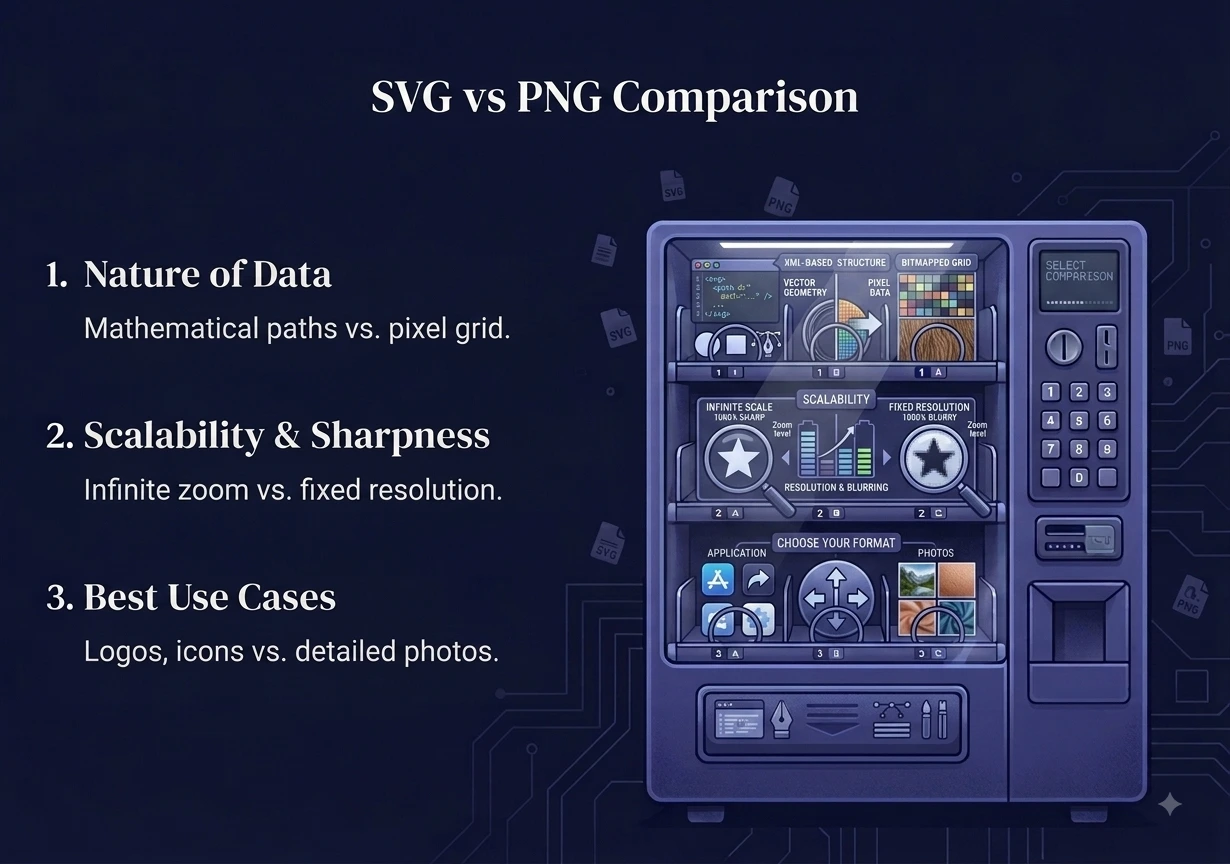
SVG vs PNG comes down to one big idea. SVG is a vector format that stays sharp at any size, so it is perfect for logos and icons. PNG is a pixel format that shows fine detail and photos well, and it works almost everywhere. So use SVG for scalable graphics, and use PNG for detailed images and wide support.
That is the short version. The full picture helps you choose correctly every time. In this guide you will learn what each format really is, how they differ, when to pick one, and how to convert SVG to PNG for free when you need to.
What Is an SVG File?
SVG stands for Scalable Vector Graphics. Instead of storing pixels, it stores math. It uses points, lines, and shapes described by code. Because of this, an SVG can scale up to a billboard or down to a tiny icon, and it never looks blurry. You can read the technical details on the MDN SVG guide.
SVG is the best choice for:
- Logos and brand marks
- Icons and simple illustrations
- Charts and diagrams
- Anything that must look sharp at many sizes
The catch is that SVG is not made for photos. It cannot store the millions of tiny color details in a real photograph. It is also code, so it needs a program or browser that can read it.
What Is a PNG File?
PNG stands for Portable Network Graphics. It is a raster format, which means it is built from a fixed grid of pixels. It is lossless, so it keeps every pixel exactly, and it supports transparency. PNG works in every app, on every device, and on every website.
PNG is the best choice for:
- Screenshots
- Detailed graphics with many colors
- Images that need a transparent background
- Any picture you want to open anywhere with no fuss
The downside is scaling. Because a PNG has a fixed number of pixels, blowing it up makes it blurry. And detailed PNG files can get large.
SVG vs PNG: The Key Differences
This table makes the SVG vs PNG choice clear at a glance.
| Feature | SVG | PNG |
|---|---|---|
| Type | Vector (math) | Raster (pixels) |
| Scales without blur | Yes, any size | No, gets blurry |
| Good for photos | No | Yes |
| Transparency | Yes | Yes |
| File size (simple art) | Very small | Larger |
| App support | Good, but not universal | Works everywhere |
| Editable as code | Yes | No |
When to Use SVG
Choose SVG when:
- You are making a logo or icon that appears at many sizes.
- You want crisp graphics on every screen, including high-resolution displays.
- You need small files for simple shapes and flat colors.
- You want to edit the graphic later by changing its code or in a vector editor.
When to Use PNG
Choose PNG when:
- The image is a photo or has fine, detailed shading.
- You need it to open in any app or on any site with zero setup.
- You are saving a screenshot.
- You need a transparent background, but the image is not a simple vector shape.
A simple rule helps in the SVG vs PNG decision. Is it a flat logo, icon, or diagram? Use SVG. Is it a photo, a screenshot, or a detailed image? Use PNG.
Can You Convert Between SVG and PNG?
Yes, but the two directions are very different.
Going from SVG to PNG is easy and reliable. You are turning math into pixels at a size you choose. Pick a large size and the PNG will look sharp. This is the common need, because many apps and forms accept PNG but not SVG.
Going from PNG to SVG is much harder. You are asking a program to guess the shapes hidden inside a grid of pixels. It works only for very simple, flat images, and even then the result is often rough. For photos it does not work well at all.
How to Convert SVG to PNG for Free
When you have an SVG but an app or website only accepts PNG, converting is quick and needs no install.
Use our free SVG to PNG converter:
- Add your SVG file, or drag and drop up to 10 files.
- It converts to a crisp PNG.
- Download your PNG.
If you need a JPG instead, our SVG to JPG tool does that too. For other formats, the image converter handles the rest. Everything runs inside your browser, so your files never leave your device. There is no sign-up, no watermark, and no cost.
Frequently Asked Questions
Which is better, SVG or PNG? Neither wins for every job. In SVG vs PNG, SVG is better for logos and icons that must scale, while PNG is better for photos, screenshots, and universal support.
Is SVG higher quality than PNG? For simple graphics, SVG stays perfectly sharp at any size, so it can look better when scaled. For photos, PNG is the right tool, since SVG cannot store photo detail.
Why is my SVG not opening? Some older apps and social media uploaders do not accept SVG. Convert it to PNG first, and it will open and upload anywhere.
Are SVG files smaller than PNG? For simple shapes and flat colors, yes, SVG is usually much smaller. For detailed images, PNG is the better and often smaller option.
Can I convert a PNG logo to SVG? Only simple, flat logos convert well, and the result may need cleanup. For detailed images it does not work reliably, so keep the original SVG when you can.
Is it safe to convert SVG files online here? Yes. The conversion runs in your browser, so your files never leave your device and are never stored.
Final Thoughts
The SVG vs PNG choice is really about vector versus pixels. SVG stays sharp at any size, which makes it ideal for logos, icons, and diagrams. PNG shows fine detail and opens everywhere, which makes it ideal for photos, screenshots, and transparent images. Once you know what the image is, the choice is easy.
When you need a PNG copy of an SVG, our free SVG to PNG tool does it in seconds. Everything runs in your browser, so your images stay private and never leave your device.