
Extract TAR.GZ Online
Extract TAR, GZ and TGZ archives online free, with no sign-up and no software to install. Drop your .tar, .gz or .tgz file, click Extract TAR, and download each file inside or all of them as a ZIP. Everything is unpacked right in your browser, so your files never leave your device and are never uploaded to a server. It’s the easy way to open Linux-style archives on any computer.
Drop your TAR / GZ file here
or click to browse
Choose FilesQuick answer
To extract a TAR.GZ, upload your .tar, .gz or .tgz file to the tool above and click Extract TAR the contents are unpacked in your browser, and you can download each file or all of them as a ZIP. It's free, needs no sign-up, and nothing is uploaded.
How to extract a TAR.GZ file
- Upload your .tar, .gz or .tgz file drag & drop, or click to browse (up to 200 MB).
- Click Extract TAR. The contents are unpacked right in your browser.
- Download each file individually.
- Or click “Download All (ZIP)” to save everything together.
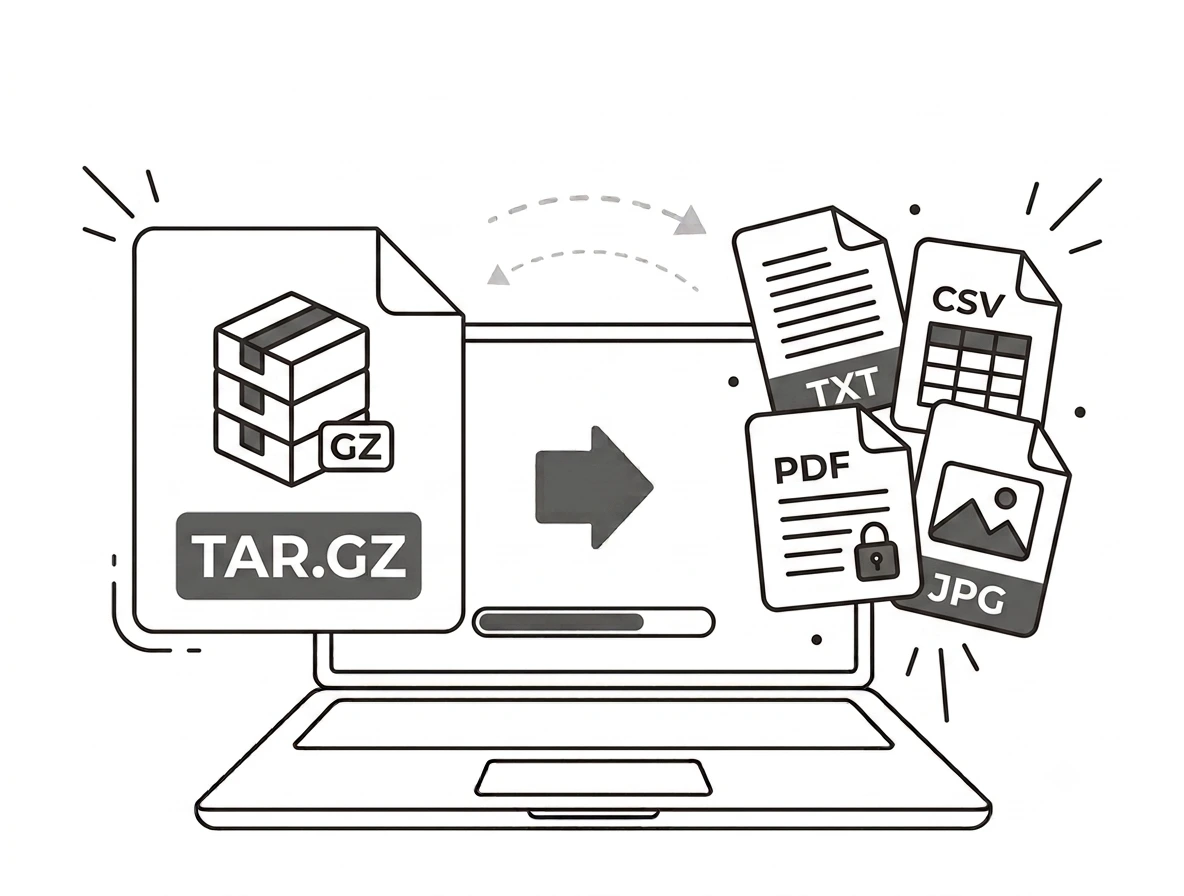
Open Linux archives on any device
TAR and GZ are common on Linux and for source-code downloads, but Windows and macOS don’t always open them easily. This tool unpacks them in your browser no command line and no extra software and hands you the files, which you can also download as a ZIP for convenience. Password-protected archives aren’t supported.
Why extract TAR.GZ online?
You’ll often meet .tar.gz files when downloading software, source code or backups. Extracting online lets you open them without installing tools like 7-Zip, without touching a terminal, and on any device then grab just the files you need. It’s the simplest way to peek inside a Linux-style archive.
Extract TAR.GZ on Windows, Mac, iPhone and Android
Because it runs in your browser, the tool works the same on Windows, macOS, Android and iPhone with nothing to install. Drop your TAR or GZ on any device and download the contents in seconds.
Why choose our TAR.GZ extractor
- No software open TAR, GZ and TGZ with nothing to install.
- Free & unlimited no account, no watermark, no daily limits.
- Private by design the archive is opened in your browser; files are never uploaded.
- Get a ZIP download all extracted files together, or one by one.
- Works everywhere any modern browser on desktop or mobile.
Frequently asked questions (FAQ's)
Is this TAR.GZ extractor free?
Yes completely free, with no sign-up, no watermark and no usage limits.
Which archives does it open?
TAR, GZ and TGZ files.
Do I need 7-Zip or a terminal?
No the archive is opened in your browser, so no software or command line is needed.
Can it open password-protected archives?
No encrypted or password-protected archives aren’t supported in the browser.
Are my files uploaded to a server?
No. The archive is opened on your device, so your files never leave it.
How large an archive can I open?
Up to 200 MB.