
Free Image Converter
Convert images online for free no sign-up, no watermark, and nothing to install. Drop up to 10 images, choose an output format (PNG, JPG, WEBP, GIF, BMP, or ICO), click Convert, and download each file or grab them all as a ZIP. It handles everything from iPhone HEIC photos to WEBP, SVG, TIFF and PSD. Best of all, every conversion runs in your browser, so your files never leave your device and are never uploaded to a server.
Drop your images here
or click to browse, up to 10 files, 25 MB each
Choose FilesQuick answer
To convert an image, upload it to the converter above, pick your output format from the dropdown, and click Convert your file is converted instantly, right in your browser. It's free, needs no sign-up, and your files are never uploaded. You can convert up to 10 images (25 MB each) at once and download them all as a ZIP.
How to convert an image
- Upload your images drag & drop, or click to browse (up to 10 files, 25 MB each).
- Choose your output format from the “Convert to” dropdown (PNG, JPG, WEBP, GIF, BMP, ICO).
- Click Convert. Each image is converted instantly in your browser.
- Download each file, or click “Download All (ZIP)” to get them in one file.
Which formats can I convert?
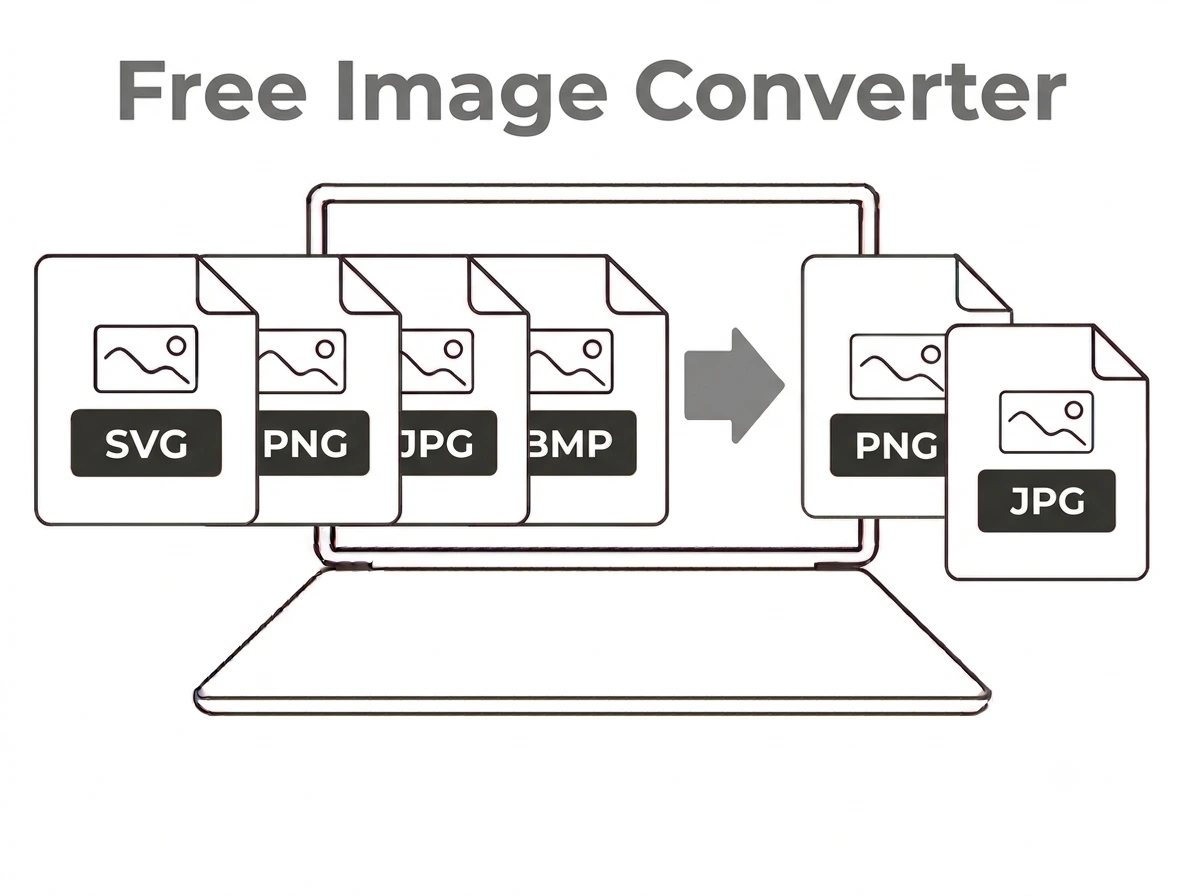
The converter accepts every common image type PNG, JPG/JPEG, WEBP, HEIC/HEIF (iPhone), GIF, BMP, TIFF, AVIF, JFIF, ICO and SVG and outputs PNG, JPG, WEBP, GIF, BMP or ICO. HEIC is decoded in your browser so Apple photos open anywhere, SVG is rasterized to a pixel image, and TIFF is read and converted too. Note that JPG and BMP have no transparency, so transparent areas become white when you convert to those formats.
Popular image converters
Convert to PNG:
WEBP to PNG • JPG to PNG • JPEG to PNG • HEIC to PNG • AVIF to PNG • GIF to PNG • BMP to PNG • TIFF to PNG • ICO to PNG • PSD to PNG • SVG to PNG • JFIF to PNG
Convert to JPG:
WEBP to JPG • PNG to JPG • HEIC to JPG • AVIF to JPG • GIF to JPG • BMP to JPG • TIFF to JPG • PSD to JPG • SVG to JPG
Convert to WebP (smaller web images):
PNG to WebP • JPG to WebP
Other conversions:
PNG to JPEG • PNG to GIF • PNG to BMP • PNG to ICO (favicon)
Apple HEIC photos:
HEIC to JPG • HEIC to PNG • HEIC to PDF
Why choose our image converter
- 100% free & unlimited no account, no watermark, no daily limits.
- Private by design every conversion runs in your browser; files are never uploaded.
- Batch + ZIP convert up to 10 images at once and download them together.
- Every common format PNG, JPG, WEBP, HEIC, GIF, BMP, TIFF, AVIF, JFIF, ICO and SVG.
- Works everywhere any modern browser on desktop or mobile, nothing to install.
Frequently asked questions (FAQ's)
Is this image converter free?
Yes, completely free, with no sign-up, no watermark and no usage limits.
Are my images uploaded to a server?
No. Every conversion runs in your browser, so your files never leave your device.
Which formats does it support?
It accepts PNG, JPG, JPEG, WEBP, HEIC, GIF, BMP, TIFF, AVIF, JFIF, ICO and SVG, and outputs PNG, JPG, WEBP, GIF, BMP or ICO.
Can I convert several images at once?
Yes, up to 10 images per batch, downloadable together as a ZIP.
How do I choose the output format?
Pick it from the “Convert to” dropdown before clicking Convert. PNG keeps transparency; JPG gives the smallest file.
Does it work on my phone?
Yes, it runs in any modern mobile browser, with nothing to install.