
Quick answer
To convert avif to jpg, drop your files into the box above and press Convert. Each one comes back as an ordinary JPG that opens in any app. It is free, there is no sign up, and nothing is uploaded because the decoding happens inside your own browser.
Converting AVIF to JPG in four steps
Add your AVIF files
Drag them in or tap to browse. Up to 10 at a time, mixed names are fine.
Leave JPG selected
It is already the output. Switch to PNG instead if you need transparency kept.
Press Convert
Decoding runs in your browser. Nothing is uploaded and there is no queue.
Save the results
Download each file, or take the batch as one ZIP archive.
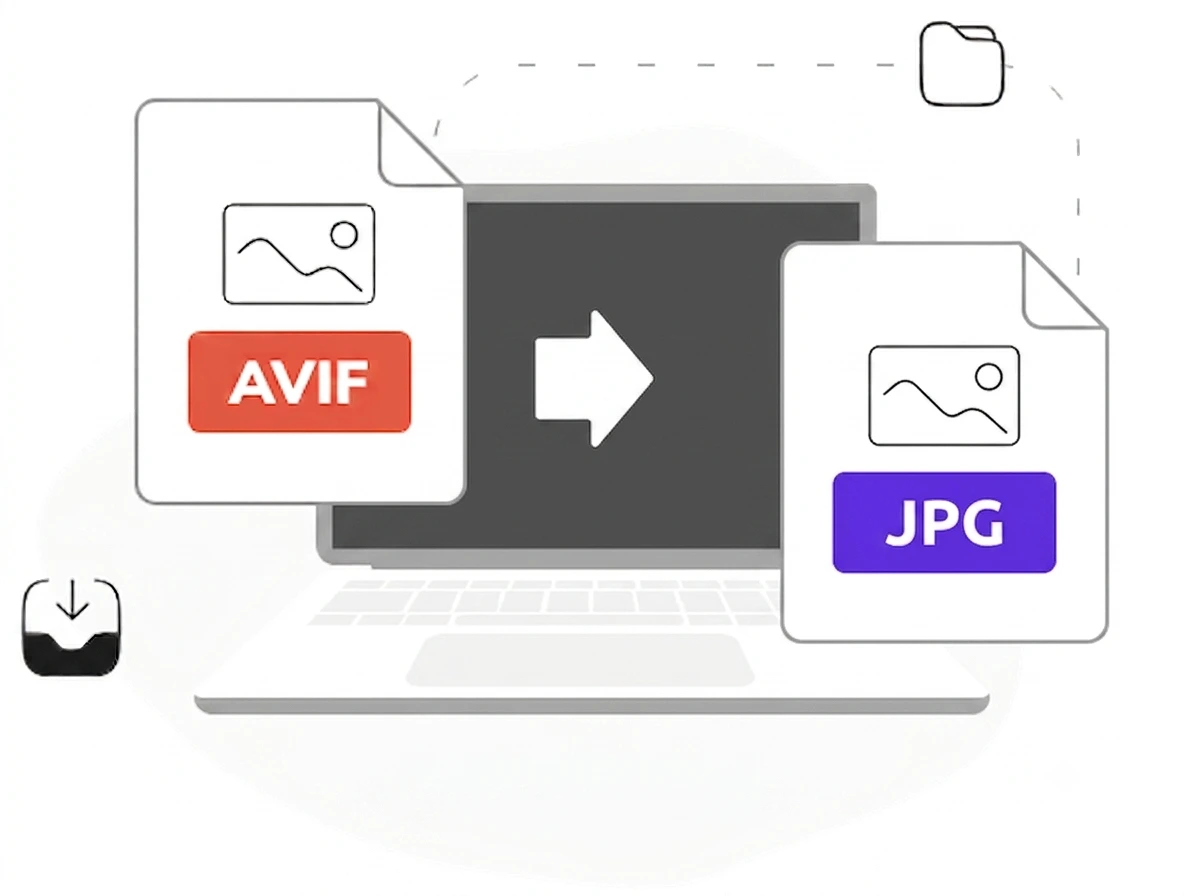
You saved an image and now nothing will open it
This is how most people arrive here. You saved a picture from a website, it landed as .avif, and Windows Photos, your editor or your phone gallery all refused it. The file is not broken. AVIF is simply newer than the software trying to read it. Browsers adopted it years before desktop applications did, which is exactly why an image that displayed perfectly on the page will not open once it is on your disk.
Converting is faster than fixing the software
You can install codecs, update apps or hunt for a viewer, but converting takes seconds and works everywhere. JPG is the safest landing format because nothing made in the last thirty years struggles with it. If the picture is already large, run it through our image compressor afterwards, or compress avif first if you are keeping the original. To keep transparency instead, take the AVIF to PNG route, since PNG carries an alpha channel and JPG does not.
An avif converter to jpg that needs no download
Search results for this problem are full of desktop tools wanting an installer, a licence or an account. None of that is necessary for a format conversion. As an avif converter to jpg this page needs nothing downloaded, because the decoding your browser already does for AVIF images on the web is the same decoding used here. Add the file, take the JPG.
An .avif to jpeg conversion that stays on your device
Most converters upload your file, process it on their servers and give you a link that expires. This one never sends anything. The .avif to jpeg work happens locally, which matters when the image is a screenshot of something private rather than a stock photo. It is also why there is no sign up and no waiting.
Why choose our avif to jpg converter
Free and unlimited
No account, no watermark, no daily cap.
Nothing is uploaded
Files are decoded on your device and never sent anywhere.
Batch up to 10
Convert a folder of images and take them as one ZIP.
No install needed
Works in any modern browser, desktop or phone.
AVIF to JPG questions
Why will nothing open my AVIF file?+
Is this avif to jpg converter free?+
Does my image get uploaded?+
What happens to a transparent background?+
Will the picture look worse?+
Can I convert several at once?+
Related tools
What Is a WebP File and How to Open It
The same problem, one format earlier, and how it got solved.
Read guideReady to open those AVIF files?
Free, private, and no sign up. Add your files above and get JPGs in seconds.
Browse all image tools