
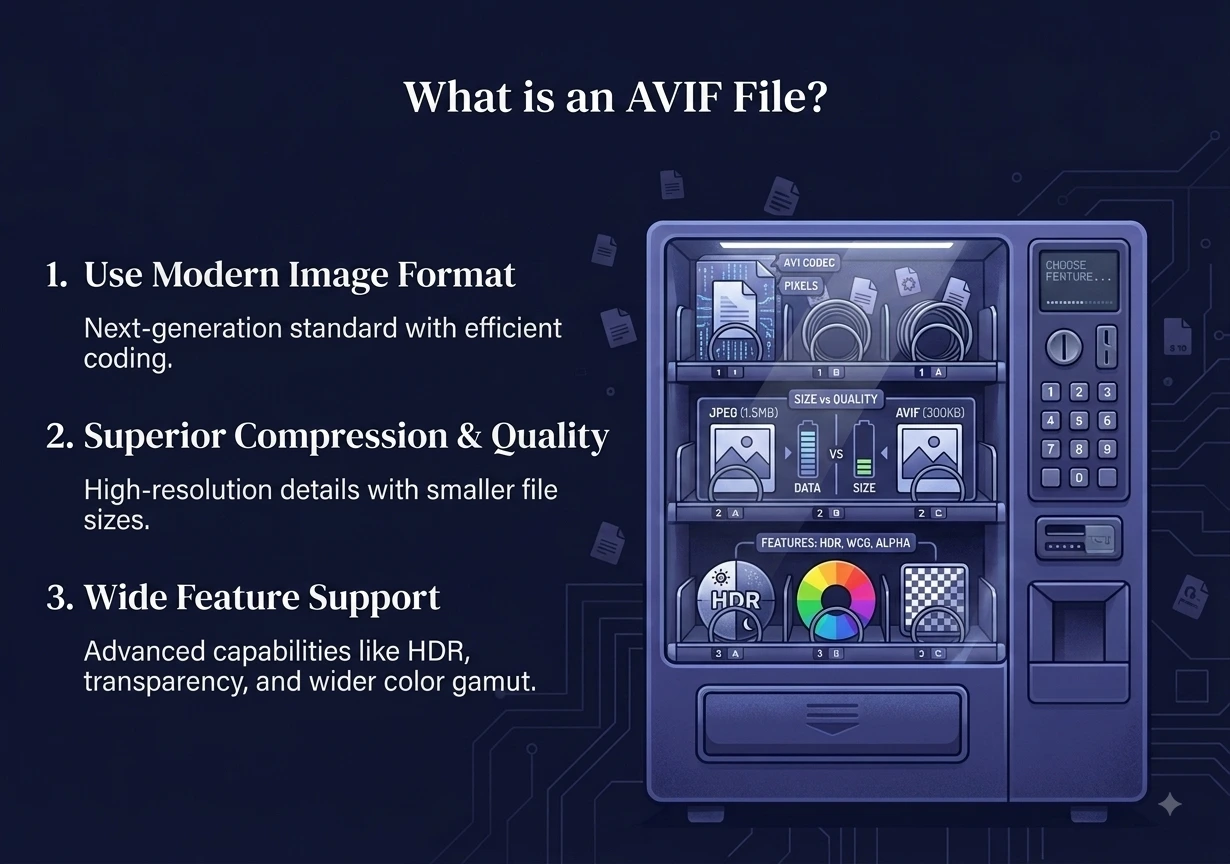
What is an AVIF file? It is an image saved in the AVIF format, a new type of image that squeezes photos into very small files while keeping them sharp. AVIF is one of the most efficient image formats available today, which is why more websites are starting to use it. If you downloaded a picture that ends in “.avif” and it will not open, this guide is for you.
Below you will learn what an AVIF file is, why it saves so much space, how it compares to JPG and WebP, and the easiest free ways to open or convert an AVIF file on any device.
What Is an AVIF File, Exactly?
AVIF stands for AV1 Image File Format. It comes from the same technology as the AV1 video codec, which was built by a group of big tech companies called the Alliance for Open Media. That group includes Google, Netflix, Amazon, and others. They wanted a free, open format that beats older ones on quality and size. You can read more on the AVIF Wikipedia page.
So what is an AVIF file good at? Quite a lot:
- It uses very strong compression, so the files are tiny.
- It supports transparency, like a PNG.
- It supports animation, like a GIF.
- It handles HDR and a wide range of colors, which is great for modern displays.
In simple words, an AVIF file often looks as good as a JPG but at a fraction of the size. That is a big reason streaming and shopping sites like it.
Why Do Websites Use AVIF?
Speed is the answer. Smaller images make pages load faster, which keeps visitors happy and helps search rankings. An AVIF file can be much smaller than a JPG at the same quality, so a page full of AVIF images loads quicker and uses less data.
The trade-off used to be support. In the early days, not every browser could show AVIF. That has changed. Today all major browsers open AVIF, including Chrome, Firefox, Safari, and Edge. The only trouble now is older apps and some upload forms that still do not accept the format. That is why people search for a way to open or convert one.
AVIF vs JPG vs WebP
Here is a quick side-by-side so you can see where AVIF stands.
| Feature | AVIF | WebP | JPG |
|---|---|---|---|
| File size | Smallest | Small | Medium |
| Quality per MB | Highest | High | Good |
| Transparency | Yes | Yes | No |
| Animation | Yes | Yes | No |
| App support | Growing | Good | Works everywhere |
If you want to compare the older two in detail, our PNG vs JPG guide covers those well.
How to Open an AVIF File
Opening an AVIF file is easy once you know the trick for your device.
In Any Browser
This always works. Open a new browser tab and drag the AVIF file into it. Since every modern browser supports AVIF, the image will show right away. This is the fastest way to view one.
On Windows
Windows 11 can open AVIF in the Photos app in most recent versions. Just double-click the file. If it does not open, right-click it, choose “Open with,” and pick your browser.
On Mac
Recent versions of macOS open AVIF in the Preview app. If yours does not, drag the file into Safari or Chrome, and it will display.
On Phones
Most newer phones open an AVIF file in the Gallery or Photos app. If your phone refuses, open it in your browser or convert it to a JPG first.
How to Convert an AVIF File to JPG or PNG
Viewing is not always enough. You may need to upload the image somewhere that rejects AVIF or edit it in an older program. In that case, convert the AVIF file to a common format.
- To get a small, share-friendly photo, use our free AVIF to JPG converter.
- To keep transparency and full quality, use our free AVIF to PNG converter.
Both work in three steps:
- Add your AVIF file, or drag and drop up to 10 files at once.
- The file converts right away.
- Download your new JPG or PNG.
You can also go the other way. If you want to shrink your own photos to save space, convert them to AVIF using our image tools. For a mix of formats, the all-in-one image converter supports AVIF, PNG, JPG, WebP, and more.
Is It Safe to Convert AVIF Files Online?
Yes, on our site it is. Most converters upload your images to a server. Ours does not. Every conversion runs right inside your browser, so your AVIF files never leave your device. Nothing is uploaded and nothing is stored. It is free, with no sign-up and no watermark. That makes it safe for personal photos and work files alike.
Frequently Asked Questions
What is an AVIF file used for? An AVIF file is used to show images on websites at a very small size with great quality. It saves space and helps pages load faster, so more sites are switching to it.
Why won’t my AVIF file open? The image itself is fine. The app you are using is likely too old to support AVIF. Open it in any modern browser, or convert it to JPG first.
Is AVIF better than WebP? An AVIF file is usually smaller than a WebP file at the same quality. WebP still has slightly wider support in older tools, but both are strong modern formats.
How do I turn an AVIF file into a normal photo? Convert it to JPG or PNG. Our free browser-based tools do this in seconds, and your file never leaves your device.
Can I open an AVIF file without any app? Yes. Drag it into any browser tab, and it opens right away. This works on Windows, Mac, and most phones.
Does converting AVIF to JPG lower the quality? Converting to PNG keeps full quality. Converting to JPG may lose a tiny bit of detail, but for most photos you will not notice.
Final Thoughts
Now you know what an AVIF file is. It is a smart, modern image format built by a group of major tech companies to make images smaller without losing quality. Every modern browser can open one, so viewing is easy. The only snag is a few older apps that still do not accept it.
When you need to convert one, our free AVIF to JPG and AVIF to PNG tools do it in seconds. Everything runs in your browser, so your files stay private and never leave your device.