
Word to PDF Converter
Convert Word to PDF online free, with no sign-up and no watermark. Upload your .docx file, name the output, and click Convert your Word document becomes a PDF right in your browser. It’s the quick way to turn a DOCX into a fixed, shareable PDF that looks the same on any device. Everything runs on your own device, so your file never leaves it and is never uploaded to a server.
Drop your file here
or click to browse
Choose FileQuick answer
To convert Word to PDF, upload your .docx file to the tool above, give the PDF a name, and click Convert the document is converted instantly, right in your browser. It's free, needs no sign-up, and your file is never uploaded. This is a DOCX to PDF converter, so it works with modern Word .docx files up to 25 MB.
How to convert Word (DOCX) to PDF
- Upload your .docx file drag & drop, or click to browse (up to 25 MB).
- Type a name for the output PDF.
- Click Convert to PDF.
- Click Download to save your PDF.
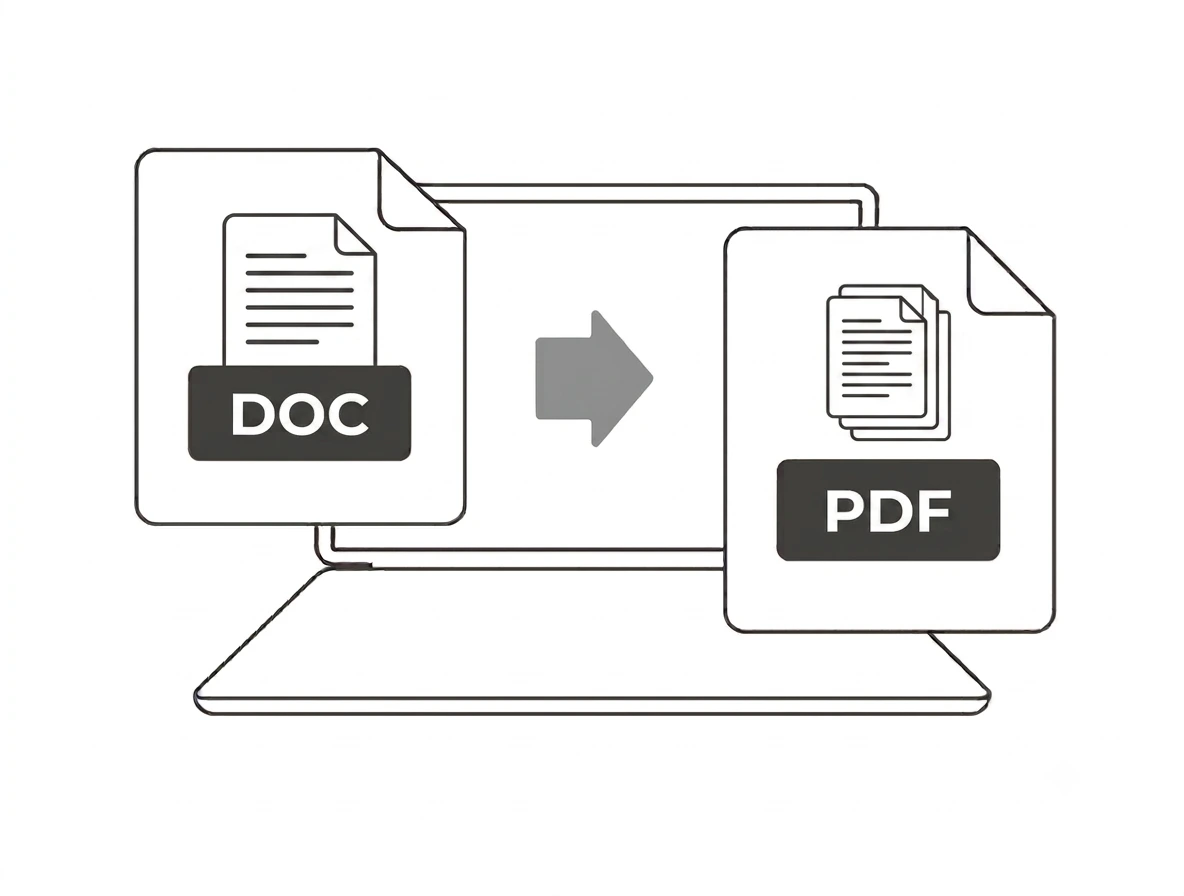
Best for everyday documents
This DOCX to PDF converter is ideal for everyday Word files reports, letters, CVs, essays and notes with text, headings, lists and basic tables. Because it runs entirely in your browser, very complex layouts (multiple columns, heavy formatting or embedded objects) can shift slightly; for those, a simpler document gives the cleanest PDF. Only modern .docx files are supported, not the old .doc format.
Why convert Word to PDF?
A PDF locks your layout so it looks the same everywhere and can’t be easily edited, which is why most jobs, schools and portals ask for PDF rather than Word. Converting is perfect for submitting a CV, sending a finished report, or sharing a document without worrying that the formatting will change on someone else’s computer. PDF also prints more reliably than DOCX.
Word to PDF on Windows, Mac, iPhone and Android
Because the converter runs in your browser, it works the same on Windows, macOS, Android and iPhone with nothing to install no Microsoft Word required. Upload your .docx on any device and download a ready-to-send PDF in seconds.
Why choose our Word to PDF converter
- Free & unlimited no account, no watermark, no daily limits.
- No Word needed converts .docx right in your browser.
- Private by design your document is converted on your device and never uploaded.
- Simple & fast name the file, click once, download.
- Works everywhere any modern browser on desktop or mobile, nothing to install.
Frequently asked questions (FAQ's)
Is this Word to PDF converter free?
Yes completely free, with no sign-up, no watermark and no usage limits.
Is this the same as DOCX to PDF?
Yes it converts modern Word .docx files to PDF.
Do I need Microsoft Word installed?
No the conversion happens in your browser, so no Word or Office is required.
Will my formatting be preserved?
Simple documents (text, headings, lists, basic tables) convert cleanly; very complex layouts may shift slightly.
Does it support the old .doc format?
No only modern .docx files are supported.
Is my document uploaded to a server?
No. It’s converted in your browser, so your file never leaves your device.