
Quick answer
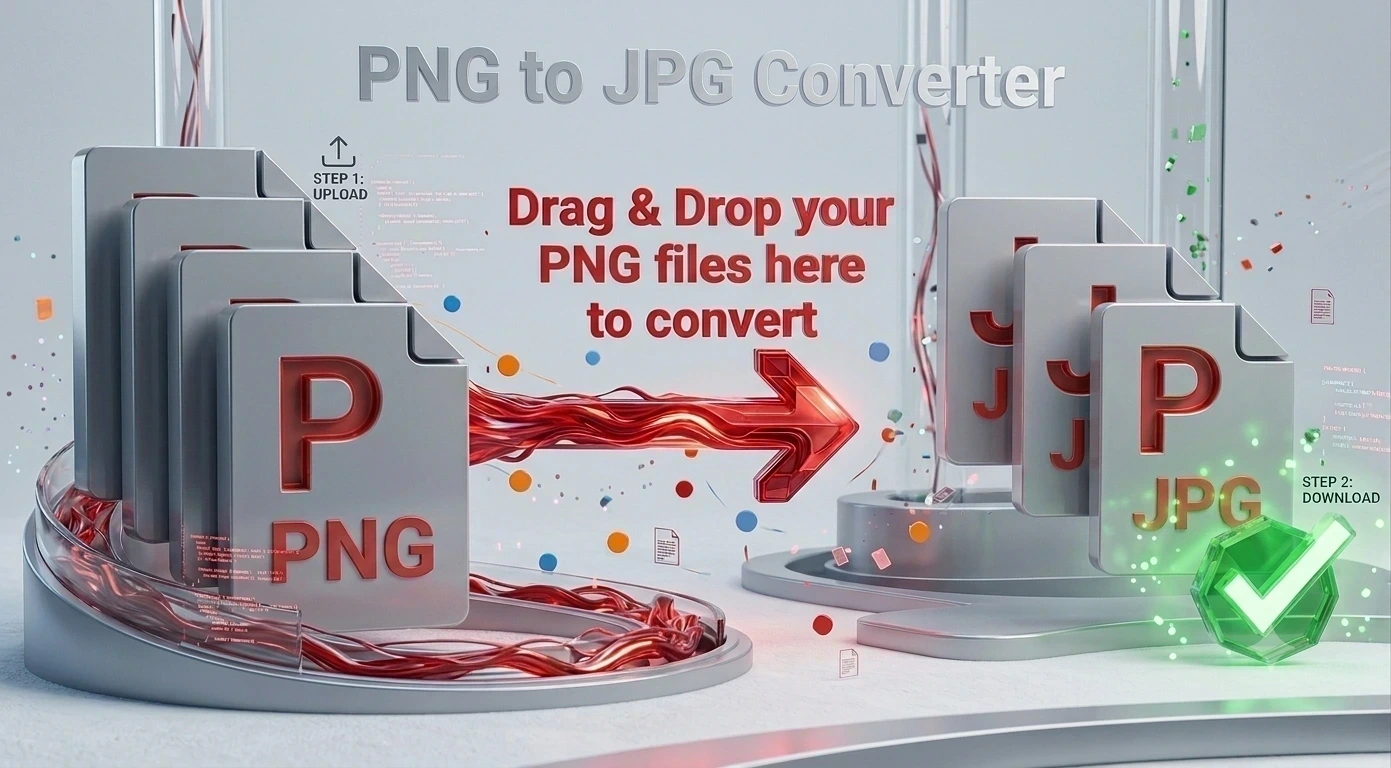
To convert PNG to JPG, add your PNG images to the converter above and click Convert. Each one becomes a JPG instantly, inside your browser. It is free, needs no sign up, and works the same on Mac, Windows, iPhone and Android because there is nothing to install.
How to convert PNG to JPG
Add your PNG files
Drag and drop them onto the converter, or click to browse. Up to 10 at once.
Check the output
JPG is already selected on this page, so there is nothing to change.
Click Convert
Every image is converted on your own device. Nothing is sent to a server.
Download
Save each JPG, or take them all together in one ZIP.
How to convert PNG to JPG on Mac
Preview can export a single file, but it is slow once you have a folder of them and it hides the option two menus deep. To convert PNG to JPG on Mac without any of that, open this page in Safari or Chrome, drop the images in, and convert. It works the same on a MacBook, an iMac or a Mac mini, and nothing gets installed.
How to convert PNG to JPG on Windows
Paint can do one image at a time through Save As, and the Photos app cannot really do it at all. To convert PNG to JPG on Windows the quick way, drop the files here and take the results in one go. This works on Windows 10 and 11 in any browser, with no download and no admin rights needed.
Batch PNG to JPG converter
A batch PNG to JPG converter matters when you are clearing out screenshots or preparing images for a site. Add up to ten PNGs, convert them in a single pass, and download the whole set as one ZIP rather than clicking save ten times.
Why convert PNG to JPG?
PNG is lossless and supports transparency, which makes the files large. As MDN notes in its guide to image formats, JPEG uses lossy compression tuned for photographs, so a photo saved as JPG is usually a fraction of the size with no visible difference. One thing to know: JPG has no transparency, so any transparent area in your PNG comes out white. If you need to keep it, use PNG to WebP instead.
Why choose our PNG to JPG converter
Free and unlimited
No account, no watermark, no daily cap.
Private by design
Images are processed on your device and never uploaded.
Batch and ZIP
Convert up to 10 at once and download them together.
Works everywhere
Mac, Windows, iPhone and Android, nothing to install.
Convert PNG to something else
To keep transparency and still save space, PNG to WebP is the better trade. PNG to PDF turns a set of images into one document, and PNG to ICO makes a favicon. Going the other way, JPG to PNG gives you a lossless copy. If the file is simply too big, run it through the image compressor or resize it.
Frequently asked questions
Is this PNG to JPG converter free?
How do I convert PNG to JPG on a Mac?
How do I convert PNG to JPG on Windows?
Can I convert several PNG files at once?
What happens to transparent areas?
Are my images uploaded to a server?
Related tools
PNG vs JPG: Which One Should You Use?
The real difference between the two, and when each one gives the better result.
Read guideReady to convert your PNG files?
Free, private, and no sign up. Add your images above and download the JPGs in seconds.
Browse all converters