
PSD to JPG Converter
Convert PSD to JPG online free, with no sign-up, no watermark and no Photoshop needed. Drop up to 10 Photoshop .psd files, click Convert, and download each JPG or grab them all as a ZIP. Your browser flattens the layered design into a single compact JPG, so everything runs on your own device and your files are never uploaded. It’s the quick way to share a Photoshop file as a small, universal image.
Drop your PSD files here
or click to browse, up to 10 files, 25 MB each
Choose FilesQuick answer
To convert PSD to JPG, upload your Photoshop .psd files to the converter above and click Convert each one is flattened into a small JPG instantly, right in your browser, with no Photoshop required. It's free, needs no sign-up, and your files are never uploaded. You can convert up to 10 PSD files (25 MB each) at once and download them all as a ZIP.
How to convert PSD to JPG
- Upload your PSD files drag & drop, or click to browse (up to 10 files, 25 MB each).
- JPG is already set as the output format on this page.
- Click Convert. Each PSD is flattened into a JPG instantly.
- Download each JPG, or click “Download All (ZIP)” to get them in one file.
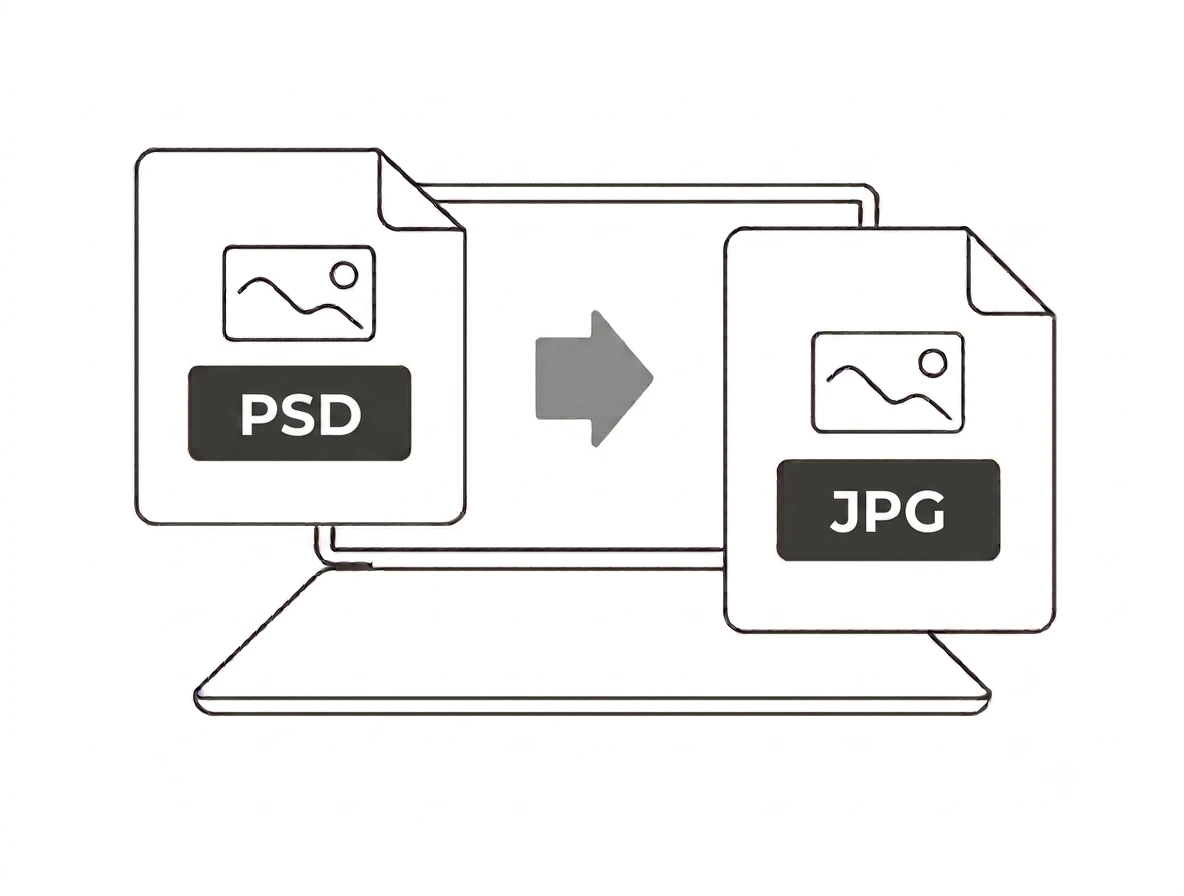
Layers are flattened onto white
A PSD stores separate layers, masks and effects. This converter flattens the composite the final visible image into one JPG, so individual layers aren’t preserved. Because JPG has no transparency, any transparent areas of the design are filled with white. That’s ideal for sharing or uploading a finished design; if you need the transparency kept, use PSD to PNG instead, and keep the original PSD for editing.
PSD vs JPG: what's the difference?
PSD is Adobe Photoshop’s layered project file fully editable, but heavy and not web-friendly. JPG is a small, compressed image that opens everywhere. Converting PSD to JPG turns a Photoshop-only file into a compact image anyone can view, email or upload trading layers and transparency for a much smaller, universal file.
Why convert PSD to JPG?
Share a design with someone who doesn’t have Photoshop, upload a finished graphic to a site that wants JPG, email a lightweight preview, or drop artwork into a document. JPG’s small size makes it the easiest format to send in bulk. Batch mode flattens several PSDs at once and returns them as a ZIP.
PSD to JPG on Windows, Mac, iPhone and Android
No Photoshop and no install the tool runs in any modern browser on Windows, macOS, Android and iPhone. It’s a fast way to turn a PSD into a shareable image when you don’t have Adobe software on hand, whether you’re on a work PC, a Mac or your phone.
Why choose our PSD to JPG converter
- No Photoshop needed the PSD is opened and flattened right in your browser.
- Free & unlimited no account, no watermark, no daily limits.
- Private by design files convert on your device and are never uploaded.
- Batch + ZIP convert up to 10 PSDs at once and download them together.
- Small results JPG files are compact and open on any device.
Frequently asked questions (FAQ's)
Is this PSD to JPG converter free?
Yes completely free, with no sign-up, no watermark and no usage limits.
Do I need Photoshop?
No, the converter opens and flattens the PSD in your browser, with no Adobe software needed.
Are my layers kept?
No, the PSD is flattened to a single JPG image. Keep the original PSD for further editing.
What happens to a transparent background?
JPG has no transparency, so transparent areas are filled with white. Use PSD to PNG to keep transparency.
How large a PSD can I convert?
Up to 25 MB per file, and up to 10 files per batch.
Are my files uploaded to a server?
No. Everything runs in your browser and your files never leave your device.