
WEBP to PNG Converter
Convert WEBP to PNG online free, with no sign-up and no watermark. Drop up to 10 WEBP images, click Convert, and download each lossless PNG or grab them all as a ZIP. Everything runs in your browser, so your files never leave your device and are never uploaded to a server. PNG keeps full quality and transparency.
Curious about this format? Read what is a WEBP file.
Drop your WEBP files here
or click to browse, up to 10 files, 25 MB each
Choose FilesQuick answer
To convert WEBP to PNG, upload your WEBP images to the converter above and click Convert each becomes a lossless PNG (with transparency preserved) instantly, in your browser. It's free, needs no sign-up, and your files are never uploaded. You can convert up to 10 WEBP images (25 MB each) at once.
How to convert WEBP to PNG
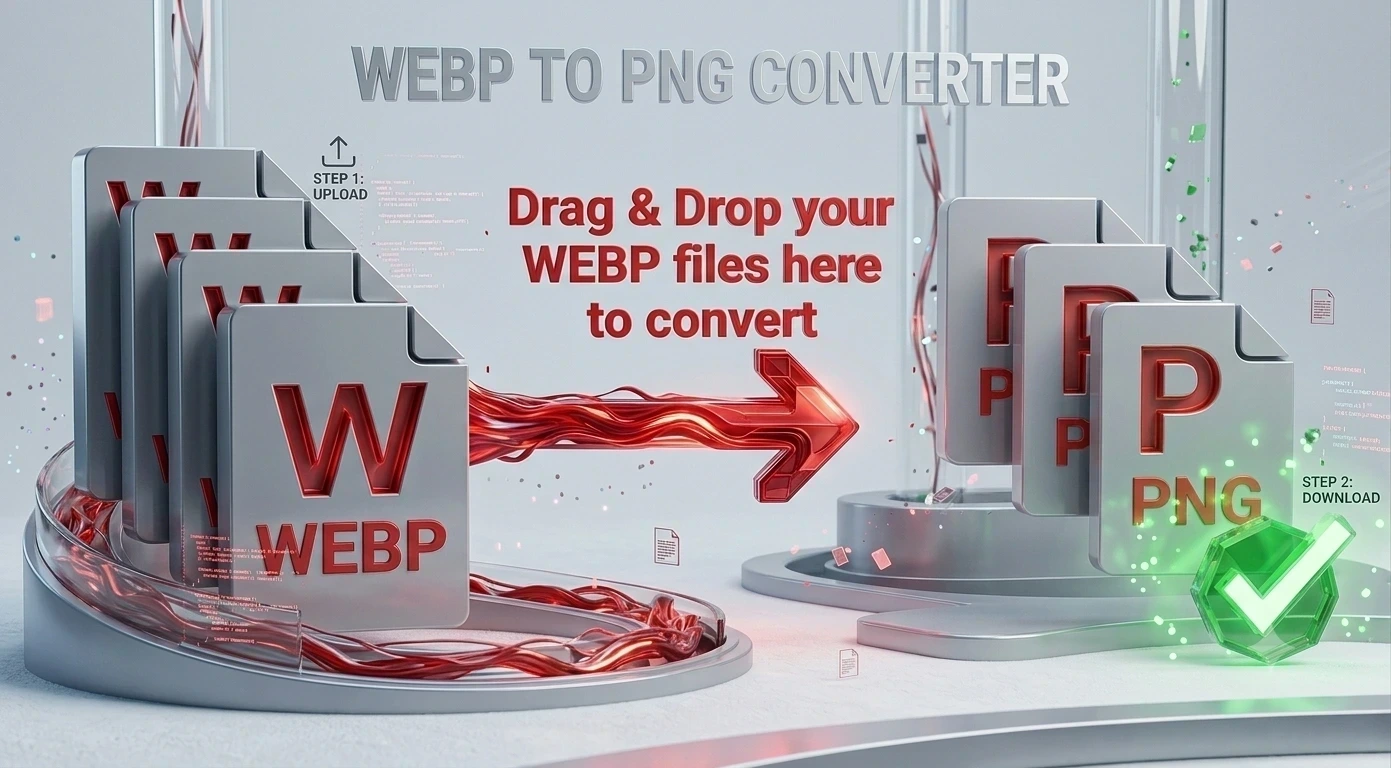
- Upload your WEBP files drag & drop, or click to browse (up to 10 files, 25 MB each).
- PNG is already set as the output format on this page.
- Click Convert. Each WEBP image becomes a PNG instantly.
- Download each PNG, or click “Download All (ZIP)” to get them in one file.
WEBP vs PNG: what's the difference?
WEBP is a modern, well-compressed image format from Google that keeps file sizes small, but it isn’t supported everywhere and can be awkward to edit. PNG is a lossless raster format that preserves every detail and supports transparency, and it opens on virtually any device or app. Converting WEBP to PNG gives you a full-quality, widely compatible copy which matters most when you plan to edit the image or need its transparent areas kept.
Why convert WEBP to PNG?
Choose WEBP to PNG when quality and compatibility matter more than file size. If you want to edit a WEBP image in software that won’t open the format, PNG opens cleanly and keeps every detail because it’s lossless. If the image has transparent areas like a logo or a cut-out graphic PNG preserves them, whereas converting to JPG would fill them with a solid colour. And because PNG is recognised almost everywhere, the converted file will display correctly on any device, browser or app.
WEBP to PNG on Windows, Mac, iPhone and Android
Because the converter runs in your browser, it works the same on Windows, macOS, Android and iPhone with nothing to install. Open the page on any device, upload your WEBP files and download universally compatible PNGs in seconds.
Why choose our WEBP to PNG converter
- Free & unlimited no account, no watermark, no daily limits.
- Lossless output PNG keeps every detail and supports transparency.
- Batch + ZIP convert up to 10 WEBP images at once and download them together.
- Private by design conversion happens in your browser; files are never uploaded.
- Works everywhere any modern browser on desktop or mobile, nothing to install.
Frequently asked questions (FAQ's)
Is this WEBP to PNG converter free?
Yes completely free, with no sign-up, no watermark and no usage limits.
Does PNG keep transparency?
Yes. PNG supports transparency, so transparent areas in your WEBP image are preserved.
Can I convert multiple WEBP files at once?
Yes, upload up to 10 WEBP images in one batch and download them all as a ZIP.
Is PNG better quality than WEBP?
PNG is lossless, so it keeps every detail; WEBP trades a little detail for smaller files.
Is it safe to convert my files here?
Yes. Everything runs in your browser and your files are never uploaded to any server.
Does it work on phones?
Yes. It runs in any modern mobile browser, on Android or iPhone, with no app needed.